
Custom Brushes and Painting in Photoshop
Custom Brushes and Painting in Photoshop
Over 100 Brushes included
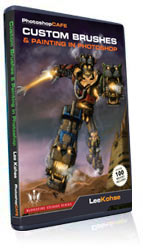
If you want to create awesome paintings in Photoshop, you are going to need a great set of brushes and the know-how to use them. Join one of the entertainment Industry’s leading experts, as Lee Kohse shows you how to create high quality brushes in Photoshop. Lee will also show you the settings that you need to make them work the best way. Then watch over Lee’s shoulder as he paints a real project. Watch and learn as Lee redesigns the iconic “Voltron” in a Steampunk style. Starting with a shaded sketch, you will learn the secrets to painting with custom brushes to create natural and realistic texture and detail without that overly CG look. Lee includes over 100 custom brushes for your immediate use on this DVD.
This fast loading DVD ROM contains 3 hours of sharp video. The advanced interface allows the user to instantly jump to any of the lessons with complete control over the playback. All the lesson files are included, so you can follow along at your own pace!
This is your chance to sit down with one of the industry’s leading experts and discover the secrets and digital workflow for the pros.
This is your chance to sit down with one of the industry’s leading experts and discover the secrets and digital workflow for the pros.
Description
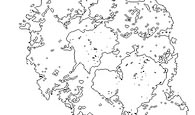
Brush Creation
Learn how to make a brush
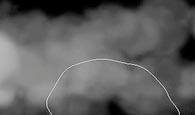
Cloud Brush
Create a brush that is used to create clouds and steam
Saving Brushes
How to save your brushes
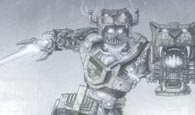
Voltron Setup
Getting started with Voltron. Seting up the sketch and blocking out
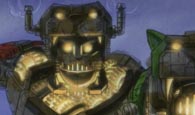
Voltron Block out Details
Blocking out the basic details
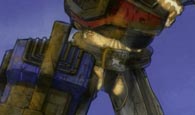
Voltron Cleanup
Cleaning up the basic block out
Voltron File Texture
Using images to make brushes and textures
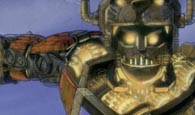
Voltron Basic Details
Paint in the basic details, start to add depth
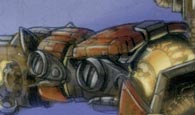
Voltron Lowlights
Lowlights add depth and are less “in your face” than highlights
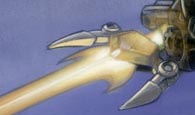
Voltron Sword
Adding the depth, detail and basic glow to the sword
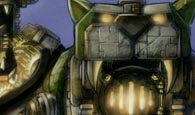
Voltron Highlights
Adding the highlights to make metal look more shiny and adding detail
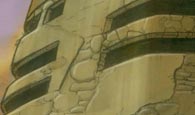
Voltron Enviroment
Painting the enviroment to create a setting
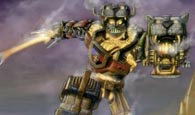
Clouds and Steam
Painting the particle effects such as cloud and steam.
Original price was: $49.99.$27.00Current price is: $27.00.




Reviews
There are no reviews yet.