
Remove People in Adobe Camera RAW – ACR
Remove People in Photoshop ACR
Go anywhere interesting these days, and chances are, there are people there. Lot’s of them. Try to take a photo and you are going to have to perform some tourist removal in post.
Camera Raw has an auto removal feature, that detects and removes people. Let’s have a look.
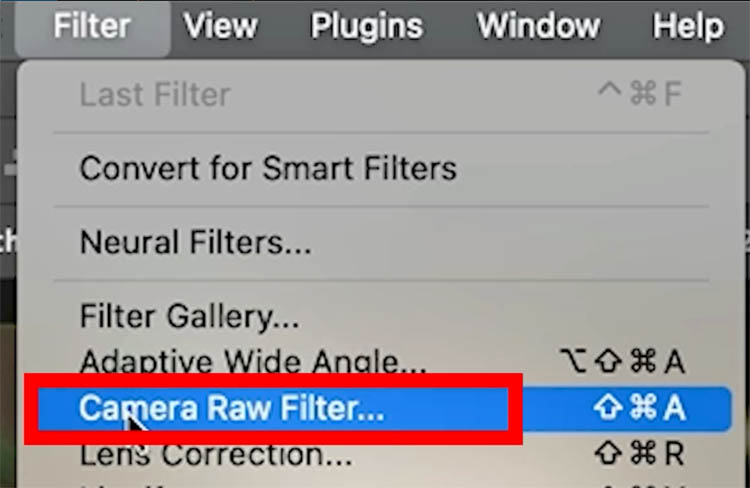
Enter ACR (Adobe Camera Raw). In this case, we are going Filter>Camera RAW filter.
(I recently made a tutorial that shows different ways to get into ACR, offering different features sets).
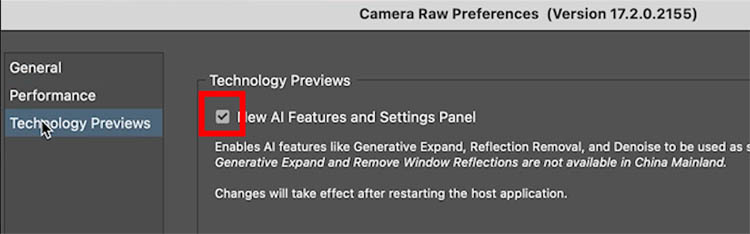
We first have to enable the feature, because it’s a tech preview.
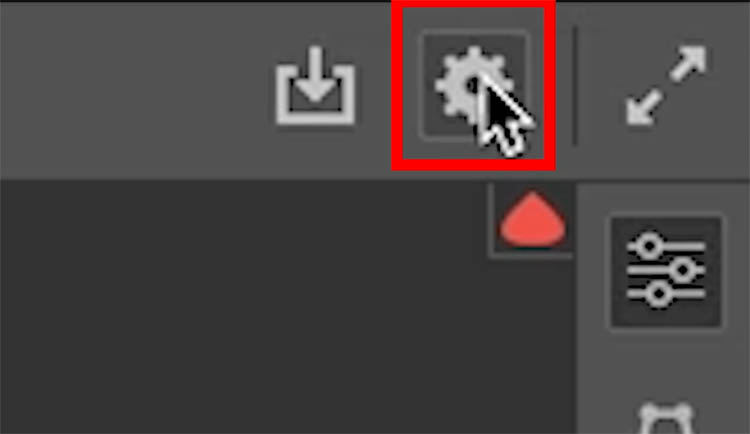
Click on the gear the top right of ACR.
The preferences window opens.
Choose Technology previews. And turn them on. Restart Photoshop for this to take effect.
Open your image into ACR.
Notice we have a guy working. there are 2 people in the background, who might be considered distractions.

Choose the eraser tool
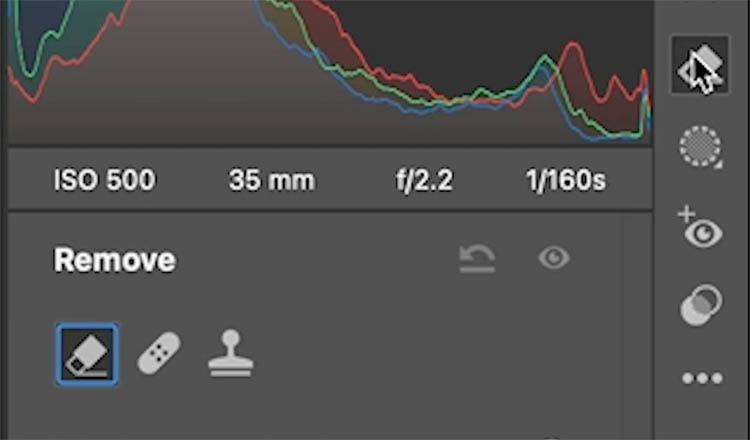
Make sure the Use Generative ai option is on.
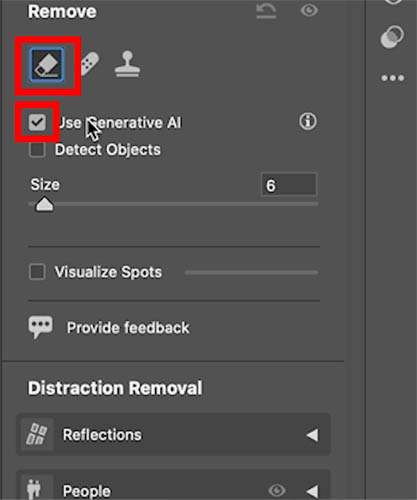
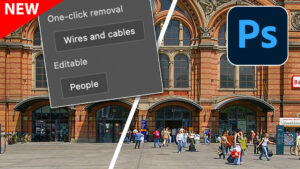
Under distraction Removal, you will see Reflections, that I have previously covered. Now we have people too.
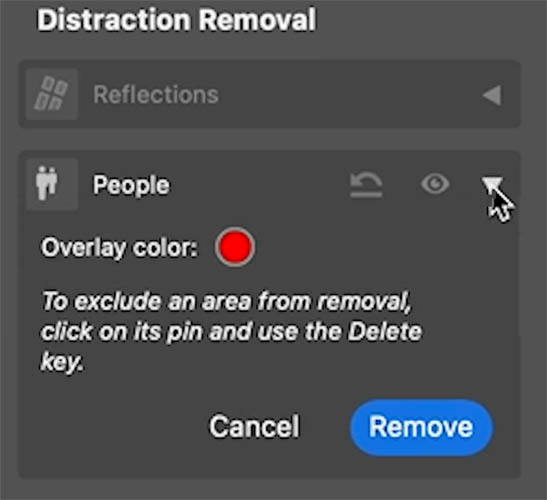
When you click on the people. the distractions will show in red. (you can change the overlay color)
Click Remove to remove the people.
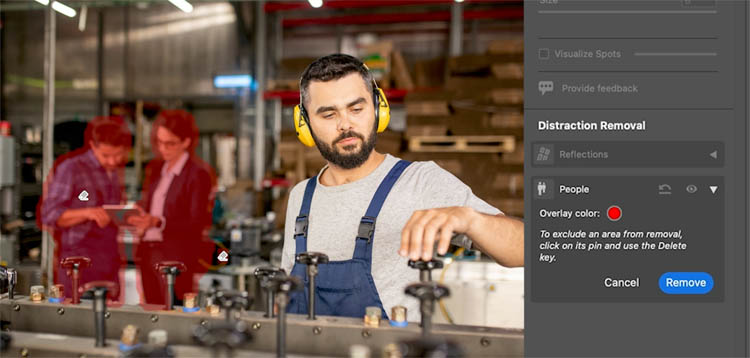
Most of the time, it does a good job. Keep reading to see what to do when it doesn’t work as well.

Here is another example of myself at the Brooklyn Bridge.
The people are selected, and we hit remove.
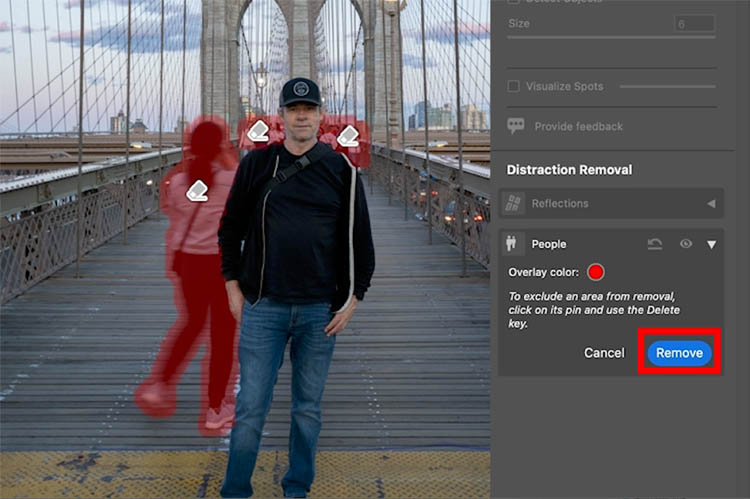
Oops, a weird object has appeared. How to fix it?
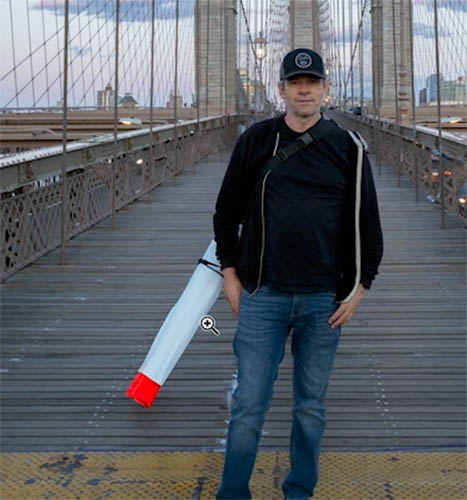
Click show overlay. Now you can see the different pins
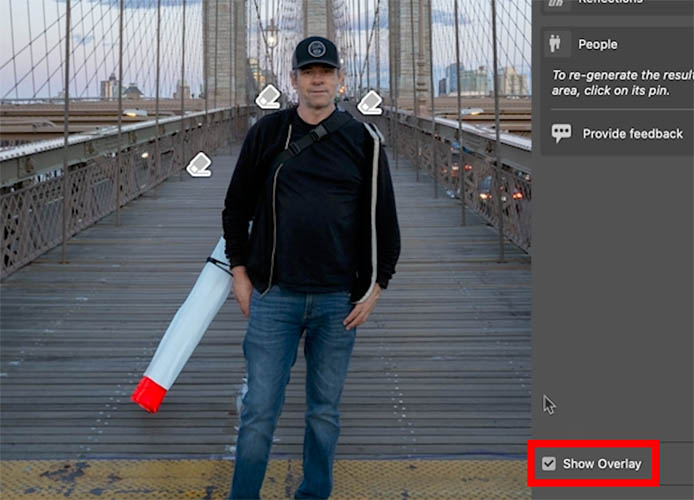
Click the pin that is attached to the object that didn’t work correctly.
Click Generate under people.
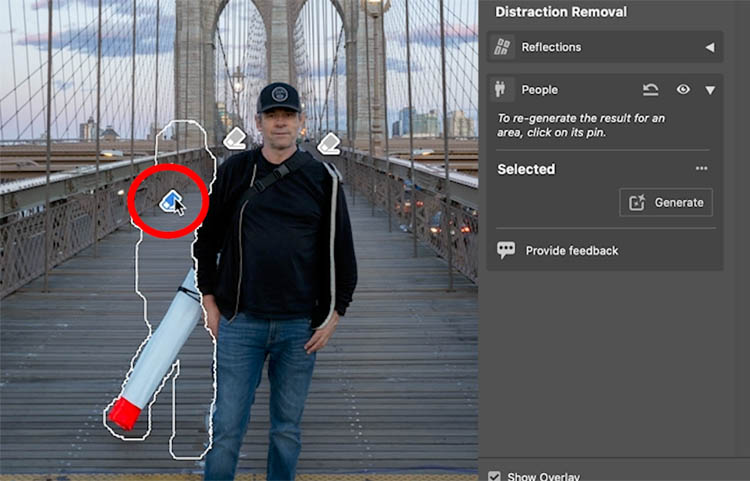
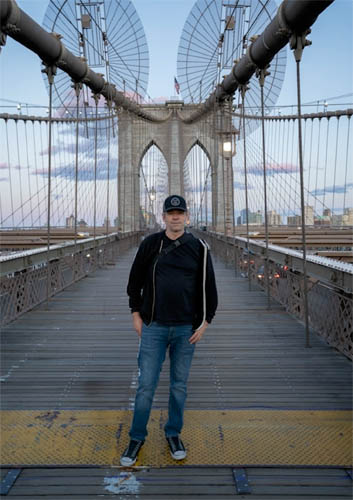
Just the one pin is re-generated and everything looks good now.
Check out the video to see more details on this.
Thanks
Great to see you here at the CAFE
Colin
Recommended for this tutorial
Learn Masks in Lightroom and Camera RAW
Make precise local adjustments in Lightroom and Camera Raw with every type of mask.
$59.99 · one-time purchase · instant download

Free for you
The Photoshop Vault
Get my free Layer Blending Modes ebook along with dozens of exclusive Photoshop goodies: actions, brushes, presets and cheat sheets.
You're on the list, so your free goodies are waiting for you in the Vault.
Get Free Photoshop Goodies Open the Vault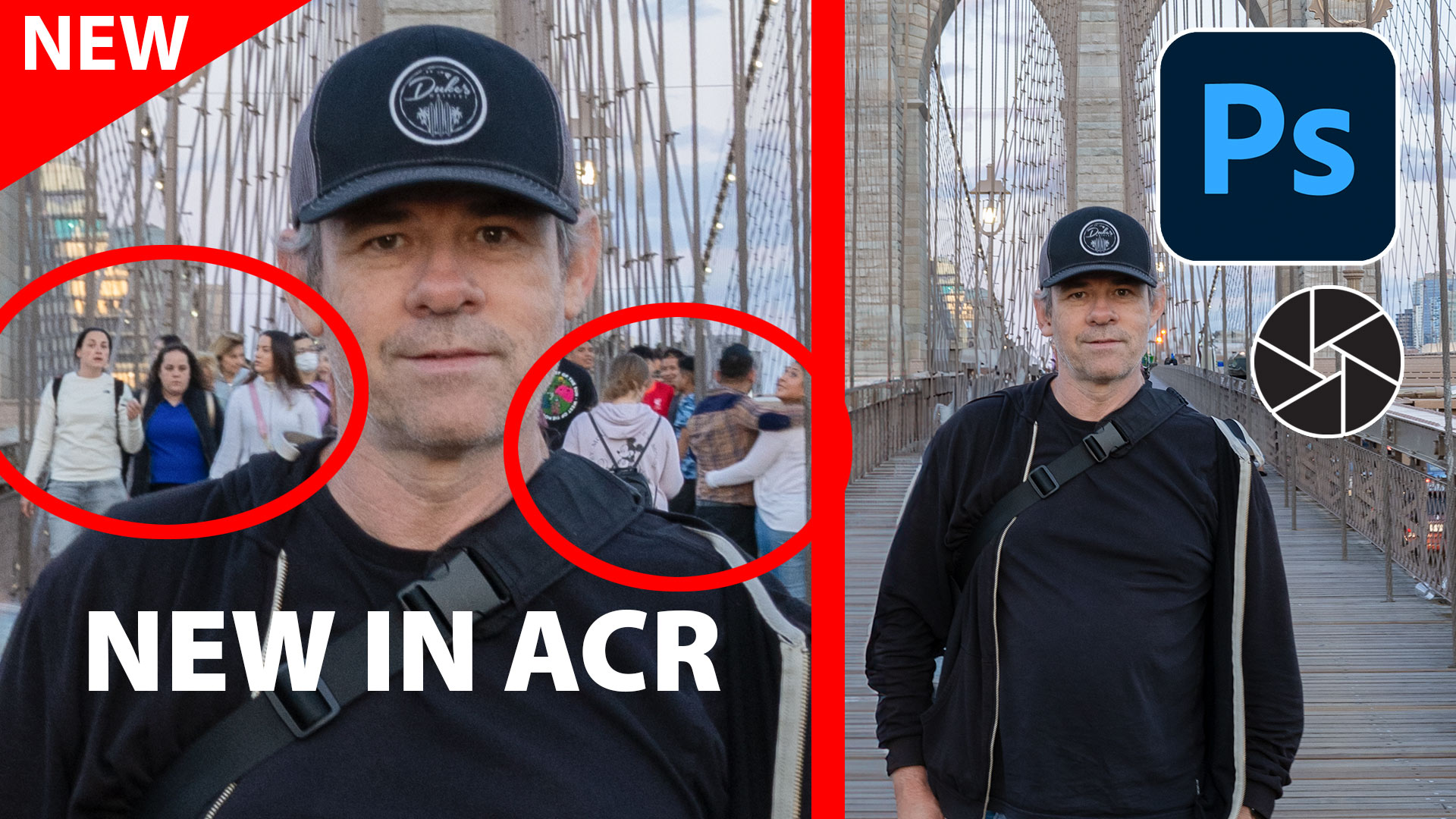
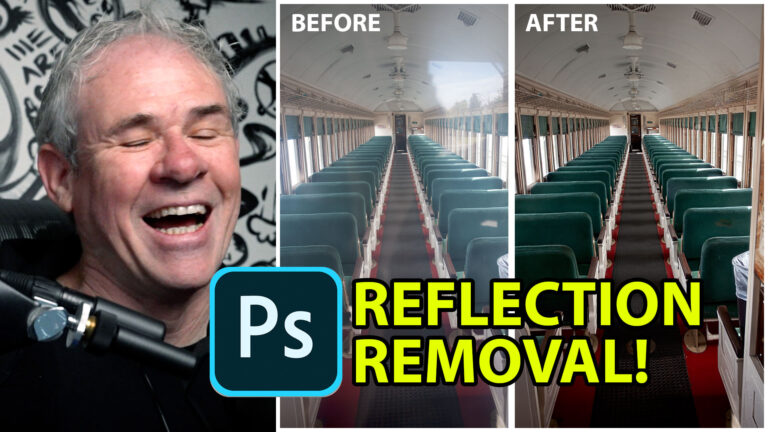
How to Remove Reflections from glass in Photoshop with ai Reflection Removal
How remove reflections from glass in Photoshop, using ai Reflection removal in ACR Read tutorial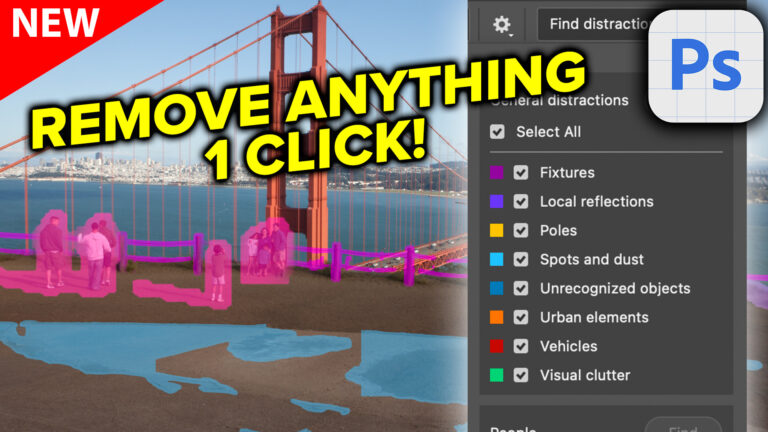
Photoshop removes anything instantly with General Distractions
Auto remove anything in Photoshop with General Distractions tool. Read tutorial
Add Edge Lights in Camera RAW and Lightroom, with ai Masks
How to add edge light in Camera RAW and Lightroom using new ai powered masks. Read tutorial
Revealing hidden features in Photoshop Generative Fill to convert photos to art and more
Hidden way to convert your photos into different art styles using Generative ai inside Photoshop. Access Firefly settings inside Photoshop Read tutorial
Generative ai now Matches your photo or sketch, Structure Reference in Adobe Firefly
How to use Structure Reference in Adobe Firefly to upload a photo or a sketch to guide ai image generation. Read tutorial











The video is not showing up for me but your written instructions are great. Thanks again Colin!
The new Object Removal tool in ACR looks incredibly powerful—almost like having Photoshop’s Content-Aware Fill built right in.
I am finding more and more that I get much better results when removing/replacing people and others if I use ACR rather than Photoshop itself. Is this to be expected?