Tilt shift miniature model effect with Photoshop
This tutorial teaches you how to take a photograph and make it look like a miniature model in photoshop instead of reality.
Here you can see a Photograph that I shot with a tilt-shift lens to get this effect in the real world. This is also an HDR image. You can see more of my HDR work in the gallery.
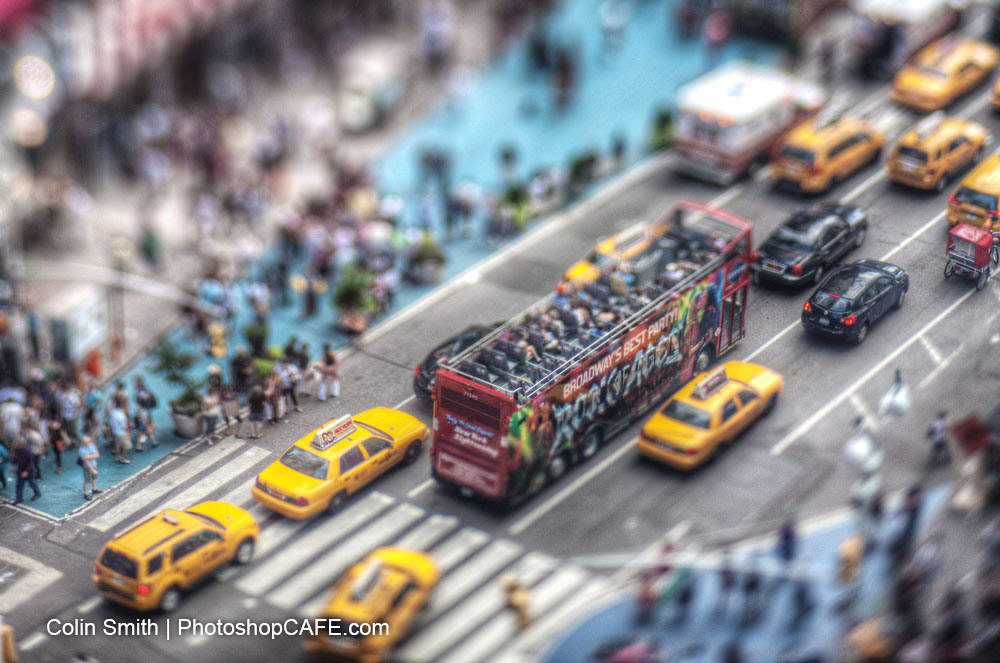
The effect works because the blur to sharpness falls off so fast it looks like you are using a macro lens. This fast fall-off makes the depth of field of the photograph a different scale to the actual scene and confused the viewer’s eye. This caused the photo to look like you are shooting something much smaller. It’s a great way of breaking the photographic rules.
Post some of your photos into the comments below and let us see your miniatures!
PS Don’t forget to follow us on Social Media for more tips.. (I've been posting some fun Instagram and Facebook Stories lately)
You can get my free Layer Blending modes ebook along with dozens of exclusive Photoshop Goodies here


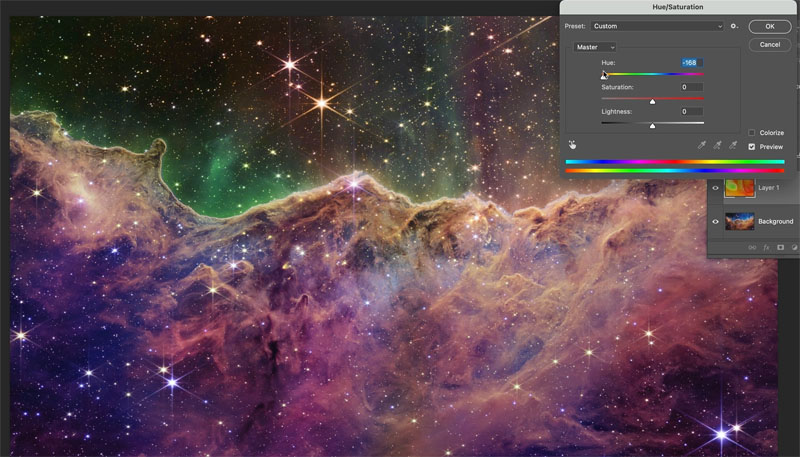
Enhancing space photos from the James Webb Telescope and download free wallpapers