Overview of 3D Tools in Photoshop

Photoshop has been able to do 3D for some time now.
In Photoshop CS6, the tools completely changed and started to becomes a lot more useful, this trend continues in Photoshop CC. Watch this video to get a proper on what is possible with 3D in Photoshop. This is an intro to the 3D possibilities in Photoshop. It’s worth playing around because it quite cool.
In more recent Photoshop CC, 3D has been retired. If you are running older hardware, you can still get 3D working.
PS Don’t forget to follow us on Social Media for more tips.. (I've been posting some fun Instagram and Facebook Stories lately)
You can get my free Layer Blending modes ebook along with dozens of exclusive Photoshop Goodies here


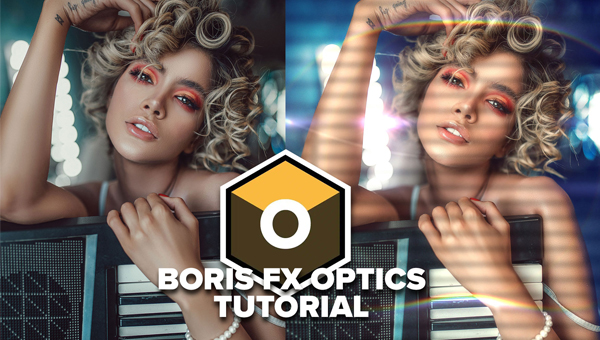
How to use Boris FX Optics Photoshop plugin. Quick tutorial that covers the essentials.
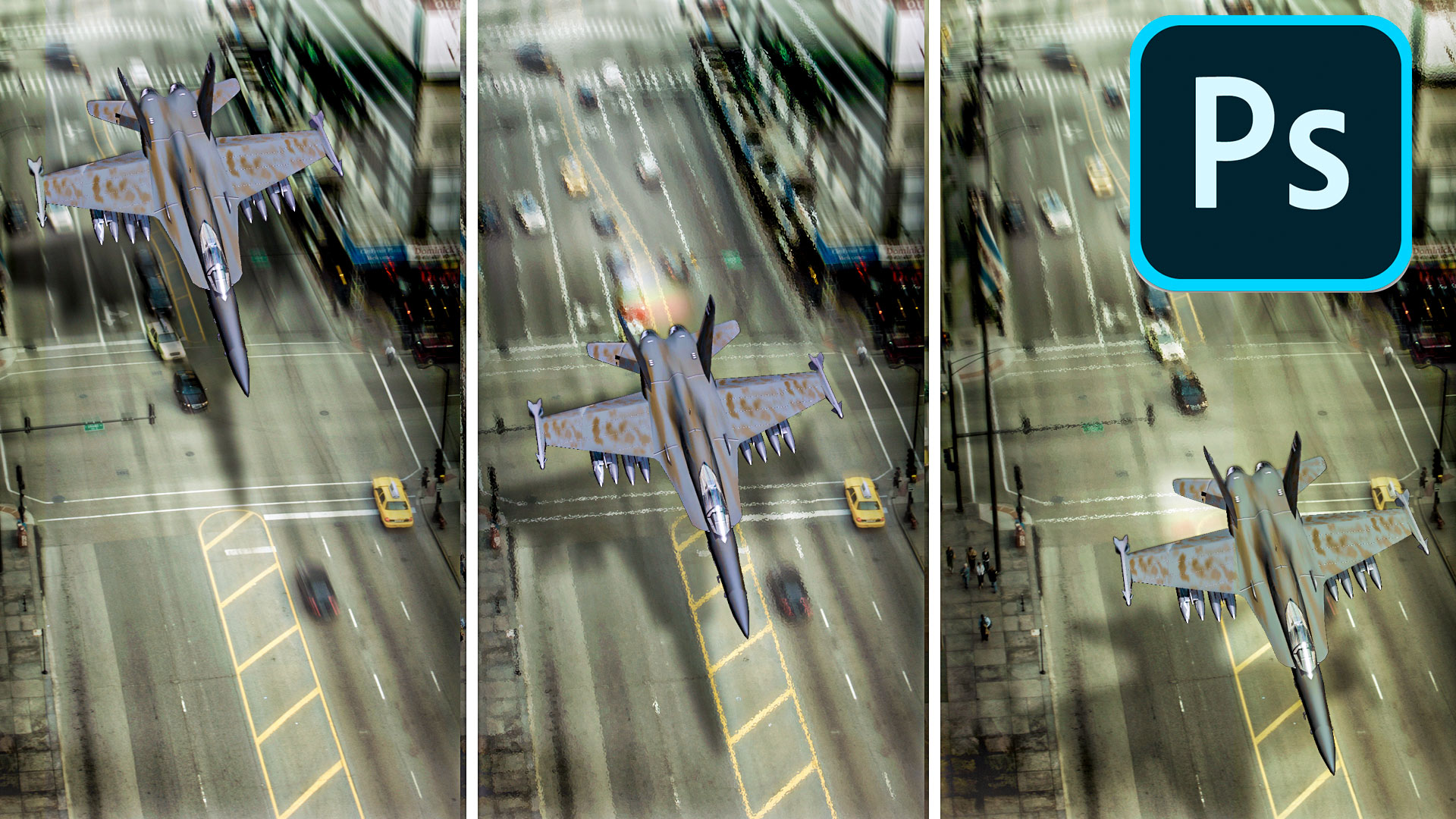
How to create animation in Photoshop. Learn how to create movement and animate an object in Photoshop.