
1 click selections in Photoshop Tutorial
The biggest feature is selections. There is a new select subject button. This uses Adobe’s AI dubbed as Sensei . Sensei recognizes the subject as a person, animal, car, boat etc. Using this information, Photoshop recognizes the subject and then creates a selection around it. This video puts it to the test with different types of images. Another new feature is decontaminate edges. This is great for removing colored fringes. Decontaminate in itself isn’t new, what is new is the slider where we can adjust the amount.
This tutorial also shows the steps to get a better selection than the initial selection.
This feature is in Photoshop CC only. We have lots more tutorials that show users of Photoshop Cs6 and earlier how to make selections. These tutorials are also useful for CC users.
Selecting hair in CC
Selecting hair in CS6
How to mask impossible images
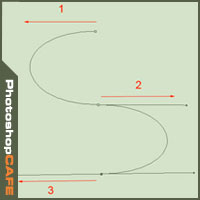
Making selections with the pen tool and paths.
Thanks for checking this out!
great to see you here at the CAFE
Don’t forget to subscribe to our newsletter and add a comment!
Colin

Keep growing with Premium Courses
Photoshop 2026 for Digital Photographers
Learn Photoshop properly, from the basics to pro retouching, step by step.
$129.00 · one-time purchase · instant download

Free for you
The Photoshop Vault
Get my free Layer Blending Modes ebook along with dozens of exclusive Photoshop goodies: actions, brushes, presets and cheat sheets.
You're on the list, so your free goodies are waiting for you in the Vault.
Get Free Photoshop Goodies Open the Vault
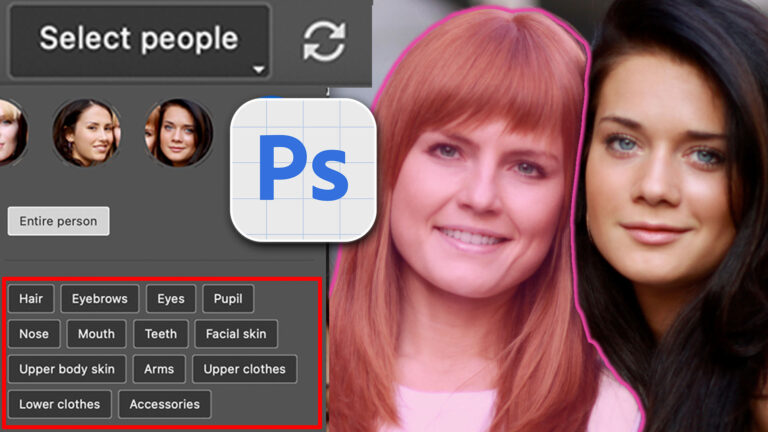
Auto Select people and features in Photoshop
How to automatically select people and facial features in Photoshop, like in ACR + Lightroom Read tutorial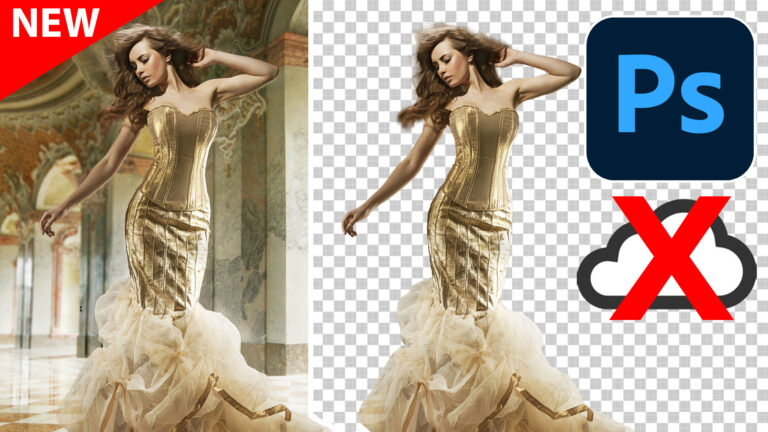
On-device Select subject in Photoshop, improved ai selections without the cloud
Testing brand new On Device Processing for select Subject in Photoshop Read tutorial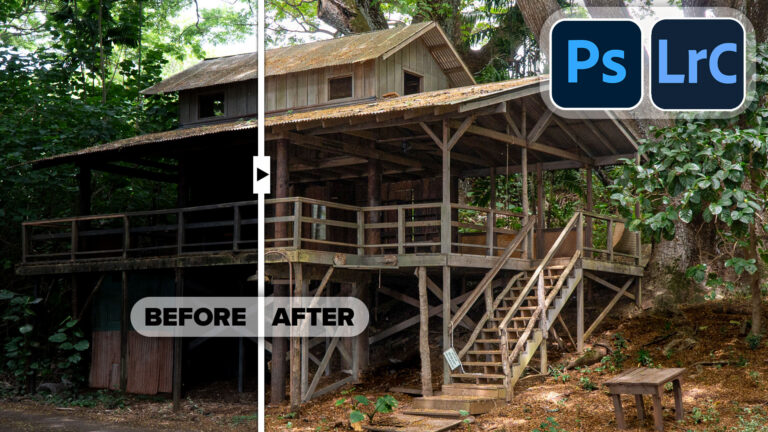
Powerful Landscape Masks, make easy, precise photo editing in Lightroom and ACR in Photoshop
Powerful Landscape Masks, make easy, precise photo editing in Lightroom and ACR in Photoshop Read tutorial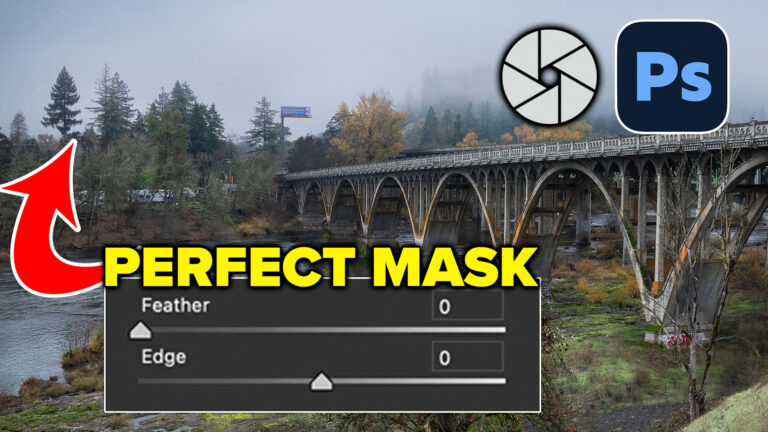
How to Perfect AI Mask Edges in Camera Raw in Photoshop
How to get perfect edges around trees and more in auto masks in Adobe Camera RAW Read tutorial
New in Adobe Camera RAW 17.3
New Features in Adobe Camera Raw 17.3 ACR in Photoshop 2025 April update. Landscape Masks and reflection removal updates Read tutorial











Adobe’s upgrade is magnificent. I personally love what it does and how much easier some things are becoming. I greatly appreciate your efforts to keep us informed and educated with direct “How-To”s from you. Thank you.
It’s a start but I think they added it too soon. Don’t need things which allow/convince me to settle for less. Advertise as 1st trial but slow down the marketing efforts. Show the negativity, the uses, but don’t dare sell it as a result. It’s just a nice start to a selection. I want to know how to finish it off so it’s a hidden blend finish.
Have your brushes disappear after the PS upgrade as reported by some.
Thanks for the tutorial……great!
Thanks,
shelley
Looks like the refinement adjustments are the brass ring. I hope this works especially for complex functions. I will give it a try.
Great tutorial Colin. I struggle with isolating the hair, especially on the cats that I take for the Animal Rescue & Adoption. And more specifically on their whiskers. I’ll be referring to this tutorial often.
Yes I love the new cut out. Keep it all coming.
Loving the new cut out tool. Thanks for the tutorial, very useful x
Now that looks like a useful update Colin! And I do like a guy that demonstrates using a real-life type of image instead of something that makes it simple – thanks for that, it adds confidence. I’m off to check my updates!
Nicely done Colin, and thanks!
Thank you Colin you always give us those little tid-bits that make our life in Photoshop so much BETTER !
ok. You convinced me to update to CC2018. thanks!
Thank you Colin. Well done! So much to learn about the updates in CC.
FANTASTIC!!!!!
Thanks, Colin.
This is fantastic, Colin,
I use this process heaps now I’ve seen your tutorial. It is useful and valuable. Thank you very much once again.
I didn’t know about this feature at all. What a time saver. Thank you!
Thank you, I love it, but I have one problem when I go to select and mask, the option “show edge” does not work (I have upgraded Ps), it is not active at all, should I do sth to activate it?
Thank you, Marina
Just newly subscribed and this is the first tutorial I have watched and very impressed. Thank you Colin, I’m sure I am going to learn heaps with this group.
Thanks 🙂
Thanks for such a great tutorial. It’s really helpful.
Absolutely wonderful technique and presentation,