
Introduction to Poser 8
Introduction to Poser 8
Learn Smith Micro Poser 8
Using Smith Micro Poser, you’ll learn the features and workflow that the pros use. In a simple step-by-step, plain English approach, Stephen will show you exactly what you need to know.
Even if you have no prior experience, this video will teach you what you need to know to create stunning artwork in Poser 8. (Also covers the new interface of Poser 2010). This PhotoshopCAFE training video shows you how to pose a character, apply clothing and accessories, lighting, rendering and much more. You will import to Photoshop and integrate it into a scene. This DVD will also address the concept of posing characters into a visual story line.
This fast loading DVD ROM contains sharp wide-screen video. The advanced interface allows the user to instantly jump to any of the 23 lessons with complete control over the playback. All the lesson files are included, so you can follow along at your own pace!
If you’ve ever dreamed of easily creating 3D characters to integrate with your 2D or 3D artwork this is the video for you!
Description
Introduction to the DVD
View the introduction as to the motive of the lessons in this DVD.
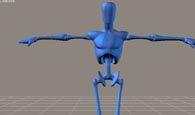
Poser 8 Overview
Take a tour of the new Poser 8 interface. Get oriented quickly.
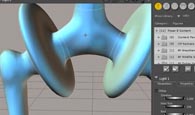
Navigating the 3D Interface
Learn how to navigate the Poser 8 interface in 3D space.
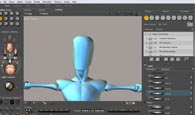
Selecting individual components on the character
Learn to quickly select and pose individual body within 3D space.
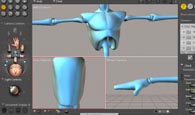
Setting up the 3D visual components
You will learn how to change the visual components on each 3D character to assist you in setting up your scene.
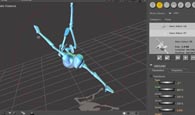
Posing your Character
Learn how to use the many tools to pose your character
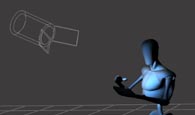
Creating and setting lighting
Understanding the different type of light sources and how to apply and control them.
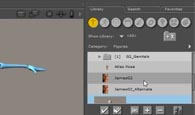
Setting up Custom libraries and importing 3D models
Learn how to custom create libraries to place imported models and other assets.
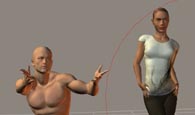
Applying Cloths to your characters
Learn the functionality of the clothing panel and how to apply any garment to your models.
IBL (image Based Lighting) Lighting
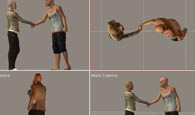
Workflow for setting up your scene for an IBL environment.
Learn how to set up your scene to be conducive for an IBL lighting feature by creating a photographic backdrop to tell a story.
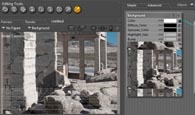
Pose your character in the desired backdrop
Now that you have created a backdrop learn how to pose your character to interact within the scene.
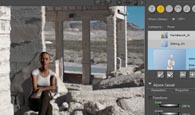
Working with multiple cameras and applying IBL
Learn how to effectively work with multiple cameras. Next you will see how to apply photographic imagery as an IBL light source.
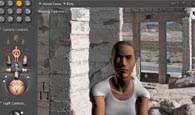
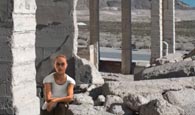
Setting up lighting to match a photographic scene.
Learn how to navigate and adjust your light sources to match the lighting on a photographic background.
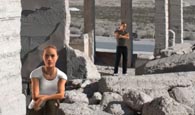
Adding additional characters into your scene
Use additional characters to complete the vision of your concept
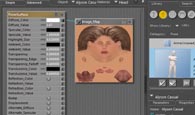
Working in the Texture Room
Understand how to quickly modify texture through the use of the Texture Room.

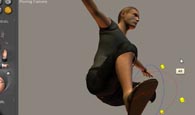
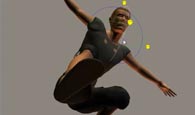
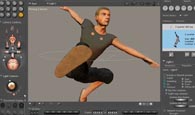
How to use inspirational sources to Pose
A quick discussion on where to get inspirations for posing and how to match them using the posing tools.
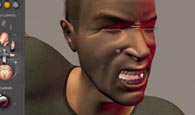
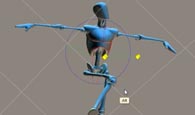
Altering the body type of you character
Learn how to apply body morphs and poses to match the character in your story.
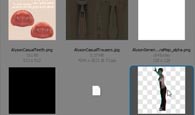
Exporting Poser 3D objects into Photoshop
Learn how to export your Poser characters so that Potoshop’s 3D layers will cleanly accept them.
Original price was: $49.99.$14.99Current price is: $14.99.



Reviews
There are no reviews yet.