
How to use Boris FX Optics Photoshop plugin
A newer kid on the block, but packing some punch, Boris FX are well known for their video filters used on TV and movie production. They ported over some of their most popular filters for use in Photoshop / Lightoom and bundled it all together into an impressive set of tools called Optics. I previously did a review, but have been asked for tutorials for you guys. So I made a nice tutorial that walks through the core features.
Tutorial on using Boris Effects, Optics Photoshop plugin.
How to use Boris FX Optics to add visual effects and color grading to images.
This Optics tutorial by Colin Smith walks you though the core functionality of this powerful Photoshop plugin as well as using some of the most popular filters.
You will learn:
- How to work with Optics layers,
- Making and reusing Boris FX masks,
- Light and shadow effects with gobos
- Make lens flare effects
- Using the ice and other light effects
- Apply a different color presets to the foreground and background, using film looks and movie presets.
Let me know if you would like to see more of these types of tutorials.

Keep growing with Premium Courses
Photoshop 2026 for Digital Photographers
Learn Photoshop properly, from the basics to pro retouching, step by step.
$129.00 · one-time purchase · instant download

Free for you
The Photoshop Vault
Get my free Layer Blending Modes ebook along with dozens of exclusive Photoshop goodies: actions, brushes, presets and cheat sheets.
You're on the list, so your free goodies are waiting for you in the Vault.
Get Free Photoshop Goodies Open the Vault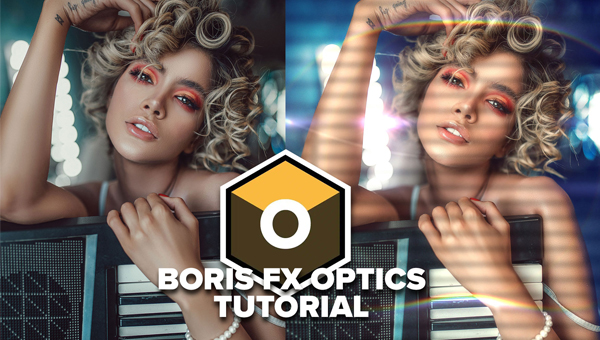

How to update Photoshop CC and keep your plugins
Photoshop CC 2017 is now available, this quick quide shows you how to update to the latest version. After updating many people... Read tutorial
Macphun Tonality Pro features and review
Macphun Tonality Pro Plugin for Photoshop. Feature walkthrough and review on Photoshop and Lightroom Plugin, Tonality Pro from macphun Read tutorial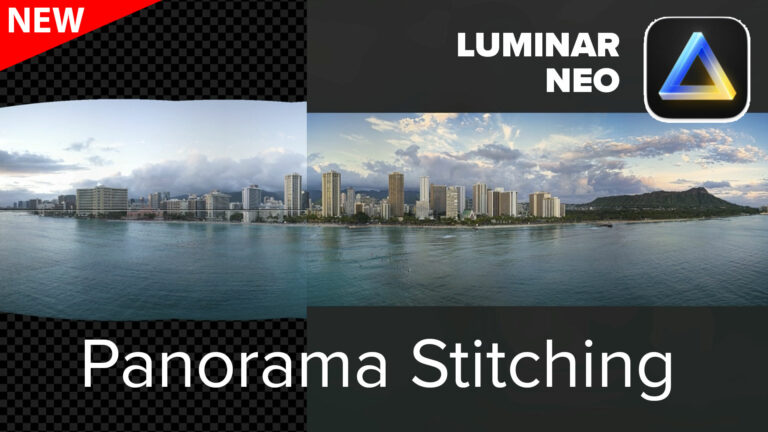
How to use Panorama Stitching in Luminar Neo
How to stitch panorama photos using Skylum Luminar Neo, tutorial. Luminar Neo review. Read tutorial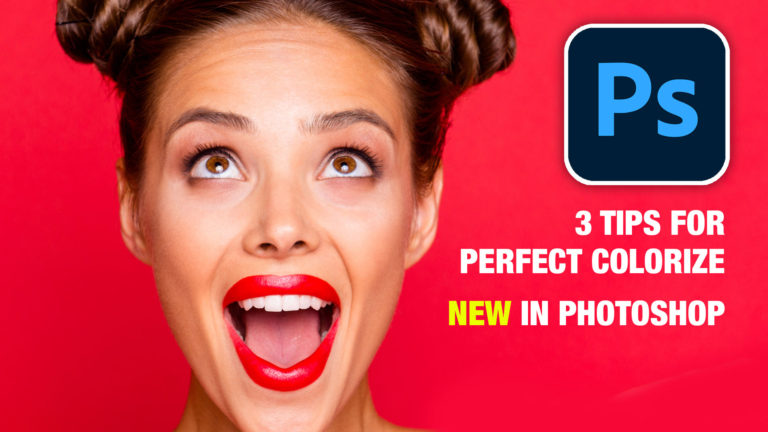
Photoshop colorize neural filter, 3 tips for total control over color
I have been experimenting with the amazing colorize ai powered filter added to Photoshop. I discovered a few things that will really... Read tutorial
Photo zoom blur effect in Photoshop tutorial
You can pull the viewers eye into a portion of a photograph by simulating an in-camera zoom effect. This zoom effect is... Read tutorial










Please do some more on Boris FX. Directed to less intuitive folks … :-). Maybe go through your favorite filters and to pick a certain filter. What goes through your mind type of stuff.
Thanks so much for this one, Colin! And for the LFL session on Boris. I am completely smitten with it and have bought the Optics….and my family may never see me again because I will be glued to my computer.
Another good tutorial Colin, you always seem to make it easy to listen to and follow. As usual, after I go through the lesson and learn another step, I go back to your tut and go again. After a few attempts it suddenly becomes much easier to mask and add an effect. I don,t use Optics on every photo, but your lesson certainly made it an easier choice.
Thanks Colin another good tutorial. I bought Optics and then had to find out how to use it. Your lesson greatly helped me out. Don,t use it for for all my photos but your lesson certainly made it an easier choice for me.