
How to make a Panorama Photo from gopro video in Lightroom and Photoshop
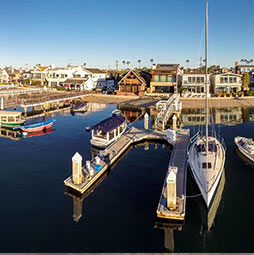
Ever since I posted this photograph on Social Media, I have had a ton of people ask me how I did it. This is a 7 image panoramic Photograph, made from a video shot on a GoPro Hero 3+ Black Edition, mounted on a DJI Phantom 2 Quadcopter Drone. 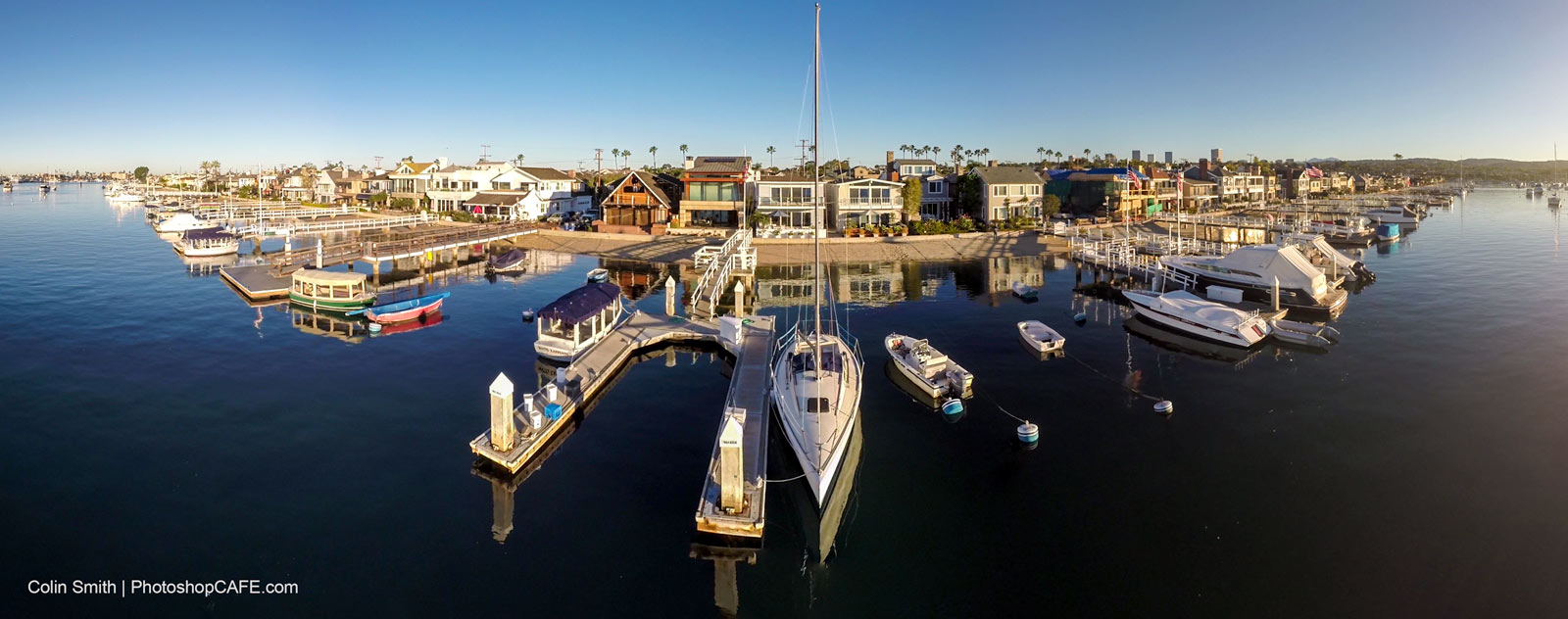
We have plenty of free content here at PhotoshopCAFE that shows you how to fly drones and work with video and photographs. You can see the tutorial here on creating tiny planets from the panoramas too.
Recommended for this tutorial
HDR, Panorama and Timelapse in Photoshop
Shoot and process HDR, panoramas and timelapse in Photoshop.
$49.99 · one-time purchase · instant download

Free for you
The Photoshop Vault
Get my free Layer Blending Modes ebook along with dozens of exclusive Photoshop goodies: actions, brushes, presets and cheat sheets.
You're on the list, so your free goodies are waiting for you in the Vault.
Get Free Photoshop Goodies Open the Vault
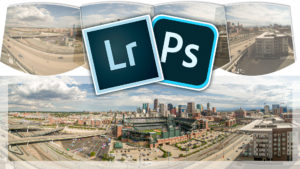
Merge Panorama in Lightroom CC tutorial stitch pano images
in this free Lightroom tutorial learn how to stitch a panoramic photograph in Lightroom 6 / Lightroom CC. Merge photos together to... Read tutorial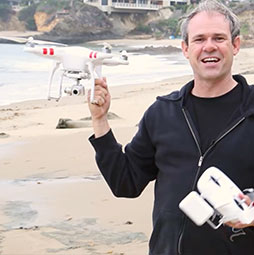
How to Fly a DJI Phantom quadcopter drone, getting started
On-location video that shows how to shoot video and photos of paddle boarders with the DJI Phantom 2 Vision+ quadcopter. It covers... Read tutorial
Get started, how to edit video in Photoshop CC CS6 Tutorial
How to edit video in Photoshop CC / CS6. Learn the basics of editing video in Photoshop. This tutorial shows how to... Read tutorial
GoPro Lens Correction on Video in Photoshop tutorial
How to fix GoPro lens distortion in Photoshop. Even though are using video in this tutorial, this works on any camera and... Read tutorial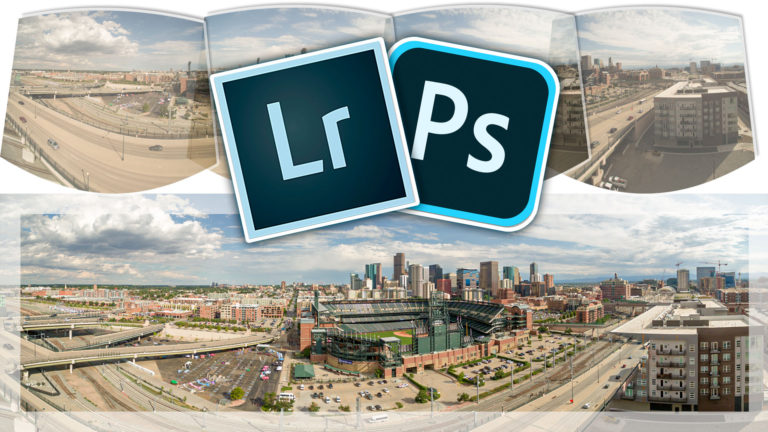
How to Make a Panoramic photo – shoot and edit a Pano in Lightroom or Photoshop
Why Panoramas? Panoramas, or panos are a great way to do a couple of things. First of all, they make it possible... Read tutorial







Thanks, that was cool.