Skip to content
Customer Support
  • Free Tutorials
    • All Free Tutorials
      • ACR & Lightroom Tutorials
      • Photoshop Basics
      • Photoshop Tips
      • Photo Tutorials
      • Ai Art and tools
      • Special Effects
      • Text Effects
      • MISC
      • Drone Photography
    • What’s New
      • Photoshop New Features
      • Lightroom New Features
    • Photoshop Features Timeline
      • Photoshop CC (2013 to today)
      • Photoshop CS6 (2012)
      • Photoshop CS5 (2010)
      • Photoshop CS4 (2008)
      • Photoshop CS3 (2007)
    • Live Streams
  • Premium Courses
    • Premium Training
      • Photoshop
      • Lightroom
      • Design
      • Digital Art
      • Photography
      • Lighting
      • Drones
      • New Releases
      • On Sale
    • Streaming Videos
    • Instructors
    • Testimonials
  • Reviews
  • About
    • About us
    • Blog
    • Help
    • Interviews
    • Contests
  • Gallery
    • Colin’s work
  • Freebees
  • Account

Author: Colin Smith

BenQ 3225U 4K thunderbolt monitor for Mac
July 5, 2024

Best Monitor for MacBook Pro or Mac Studio in 2024

By Colin Smith
June 3, 2024

Generative Remove in Lightroom deep dive

By Colin Smith
May 13, 2024

Generate Image ai in Photoshop

By Colin Smith
December 12, 2023

Best tech in 2023 for Creative Pros – PhotoshopCAFE picks

By Colin Smith
October 26, 2023

Lens Blur in Lightroom and Camera Raw – Ultimate Guide

By Colin Smith
October 19, 2023

Lightroom 13 – Lightroom Classic 2024 New Features
By Colin Smith
May 25, 2023

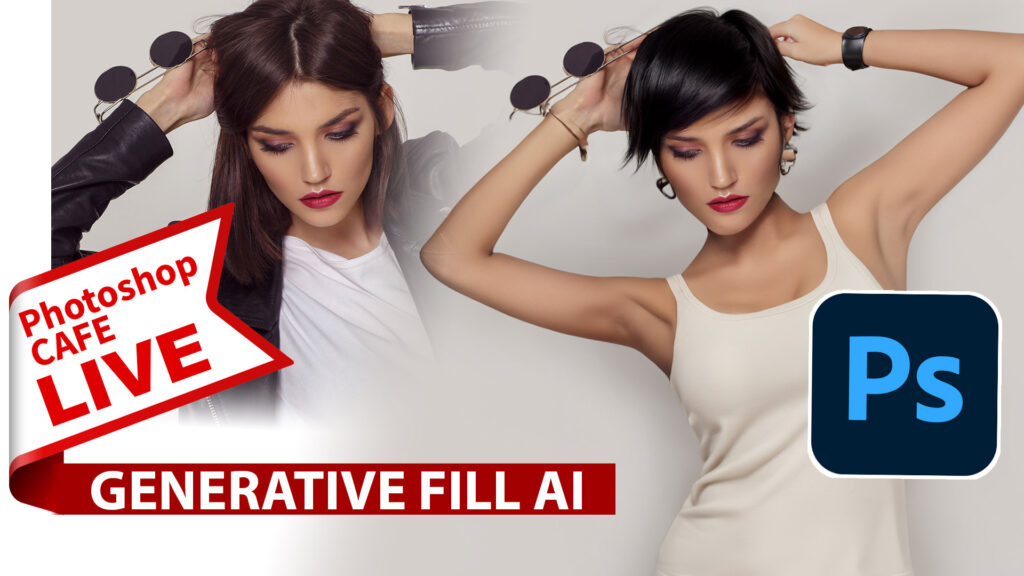
PhotoshopCAFE LIVE – New Photoshop ai Art Generator, generative fill Firefly

By Colin Smith
December 21, 2022

How to stack & Layer Lightroom Presets & Camera Raw Presets

By Colin Smith
October 16, 2022

Hidden settings to get the very best auto Selections in Photoshop

By Colin Smith
Insta 360 ONE RS 1-inch 360 6k camera
June 29, 2022

Insta 360 ONE RS 1-inch 360 Camera Review
By Colin Smith
April 13, 2022

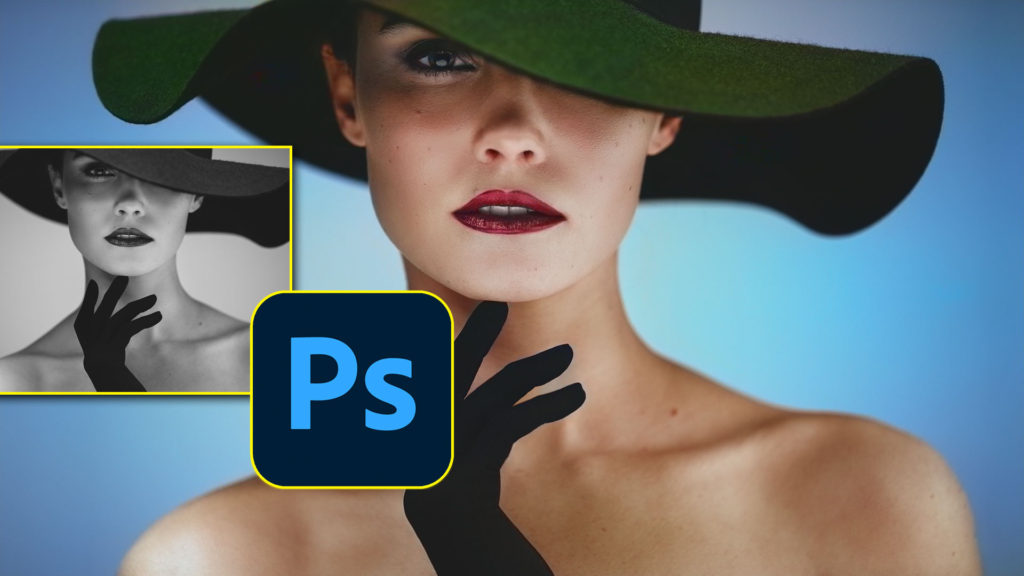
Automatically Colorize Black & white photos in Photoshop tutorial. Make Photoshop use different colors.

By Colin Smith
February 15, 2022

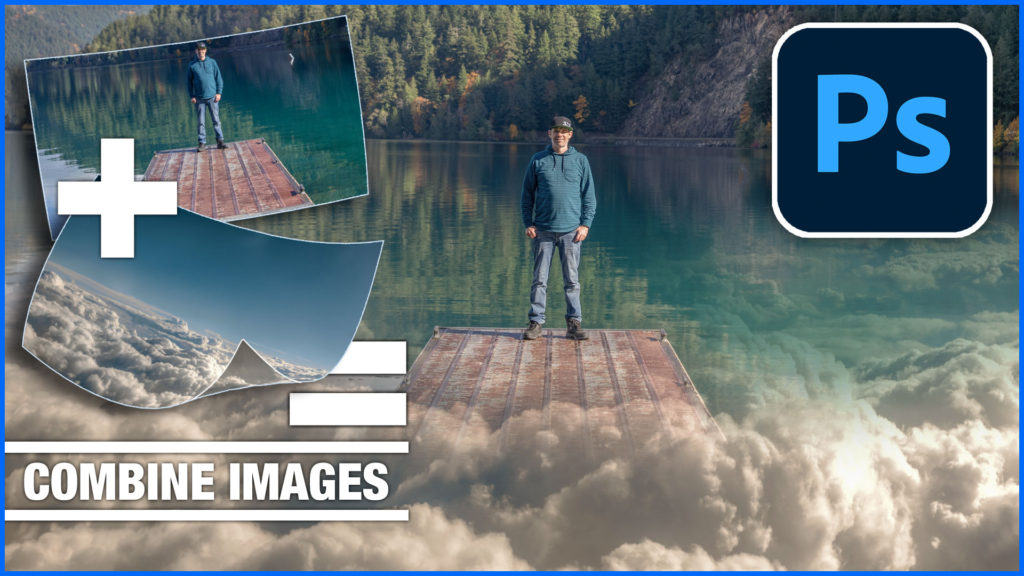
How to combine images and blend them together in Photoshop
By Colin Smith
  • «
  • 1
  • 2
  • 3
  • 4
  • 5
  • …
  • 8
  • »
Browse by category
  • Photoshop New Features
  • Photoshop Basics
  • Lightroom and ACR Tutorials
  • Photo Tutorials
  • Photoshop Tips
  • Ai Art and tools
  • Special Effects
  • Text Effects
  • Drone Photography
  • Live Streams
Featured Products
Complete Guide to ai in Photoshop 2026

Complete Guide to ai in Photoshop 2026

Buy Now
Photoshop 2026 for Digital Photographers | Photoshop Secrets

Photoshop 2026 for Digital Photographers | Photoshop Secrets

Buy Now
Photoshop Compositing: Sky City Project. Photoshop 2026

Photoshop Compositing: Sky City Project. Photoshop 2026

Buy Now
Learn Masks in Lightroom and Camera RAW

Learn Masks in Lightroom and Camera RAW

Buy Now
Newest tutorials
What’s New in Lightroom Classic 2027: All the New Features

What’s New in Lightroom Classic 2027: All the New Features

What’s New in Adobe Camera Raw 19 (2027) New Features Explained

What’s New in Adobe Camera Raw 19 (2027) New Features Explained

What’s New in Photoshop 2027? All the New Features Explained

What’s New in Photoshop 2027? All the New Features Explained

Popular tutorials
Frequency Separation retouching tutorial in Photoshop

Frequency Separation retouching tutorial in Photoshop

5 big new features in Photoshop 2026 August update

5 big new features in Photoshop 2026 August update

What’s New in Photoshop 2026 (Full Release Overview)

What’s New in Photoshop 2026 (Full Release Overview)

footer-top-image
Colin Smith
Colin SmithFounder of PhotoshopCAFE

I've been teaching Photoshop and Lightroom here since 2000. Thanks for learning with me.

Browse Courses
FREE RESOURCES
  • Free Tutorials
  • Free Photoshop Vault
  • Photoshop and Lightroom New Features
  • Reviews
  • Gallery
PREMIUM TRAINING
  • Photoshop
  • Lightroom
  • Photography
  • Design
  • Digital Art
  • Lighting
  • Streaming courses
  • Software Cinema
IMPORTANT LINKS
  • About us
  • Privacy Policy
  • My Account and Downloads
  • How to download your courses
  • Customer support
  • Speaking Events
© 2000–2026 PhotoshopCAFE CREATE DON'T STEAL 15642 Sand Canyon Ave, #54843, Irvine CA