
Adobe Photoshop CC 2017, new features
Photoshop CC 2017 is now released. Adobe decided to skip (2016) the previous update was called 2015.5, this totally makes sense.
Check out my video below, with my favorite new features in the latest update to Adobe Photoshop.
How to Upgrade to Photoshop CC 2017 and how to make your plugins work without re installing them
Don’t forget to see our superguide page, which includes every single feature in Photoshop CC as well as all the way back.. this is the Photoshop feature resource unlike any other:) I’ve been doing this a long time 🙂
All Superguides CS3, CS4, CS5, CS6, CC and Lightroom
And then there are our free tutorials
Thanks for dropping by the CAFE!
Cheers
Colin

Keep growing with Premium Courses
Photoshop 2026 for Digital Photographers
Learn Photoshop properly, from the basics to pro retouching, step by step.
$129.00 · one-time purchase · instant download

Free for you
The Photoshop Vault
Get my free Layer Blending Modes ebook along with dozens of exclusive Photoshop goodies: actions, brushes, presets and cheat sheets.
You're on the list, so your free goodies are waiting for you in the Vault.
Get Free Photoshop Goodies Open the Vault

Big Lightroom update April 2026 New Features
April 2026 Lightroom updates, including AI-powered search, improved performance, smarter culling, and new creative tools. Read tutorial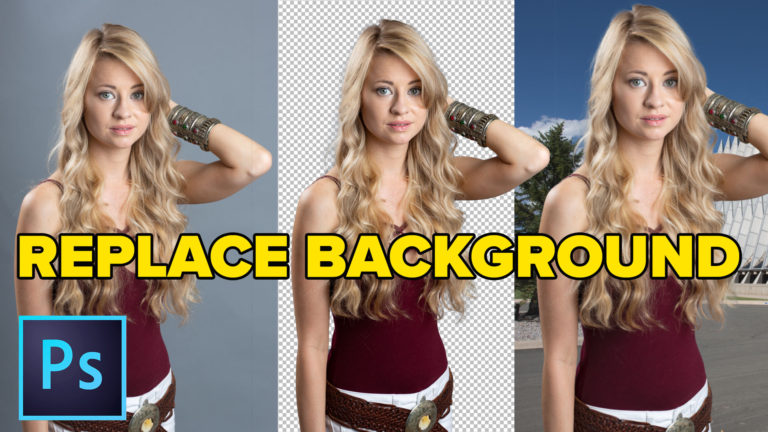
How to Change the background in Photoshop, quick, easy tutorial
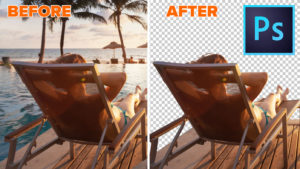
How to put a photo onto a new background in Photoshop. Simple steps, best and fastest result in this easy Photoshop CC... Read tutorial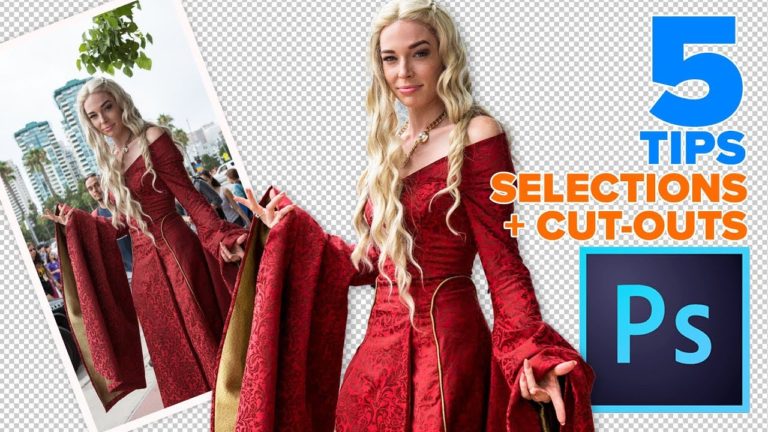
5 hidden tips for cutting out and selecting photos in Photoshop
5 hidden Photoshop tips for prefect selections and clean cutouts with crisp edges. Cut out photos, remove backgrounds in Photoshop Read tutorial
How to Remove the Background of a photo in Photoshop
This Photoshop tutorial will teach you some of the detailed steps to remove a background in Photoshop with high resolution quality edges.... Read tutorial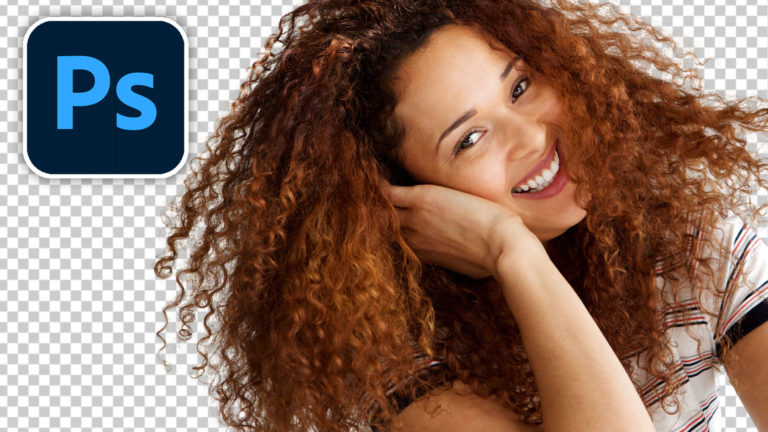
Use newest Photoshop features to easily cut out and select hair
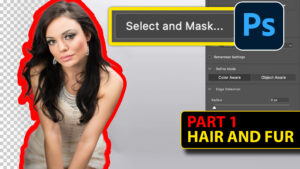
Cut out hair in Photoshop and get perfect edges using the recently enhanced AI selection tools in Photoshop Read tutorial











Everything in Ps. No need to think about others. Just keep it up via CC. 🙂
I, ve tried to install Photoshop CC 2017, but in vain. Whenever I click on Photoshop_Set-up.exe it is directed to log in with adobe ID and accordingly I’ ve done. Further, a message like” Adobe ID-Verify your email-we have sent an email to [email protected]. You need to verify your email to continue. If you have not received the verification email, please check your “sparm” or “bulk email” folder.You can also click the resent button below to have another email sent to you. Check and again continue. Resend verification email.
My question is there where I can be able to get the aforesaid” verification email”. Please guide me..
Thanks for sharing this important information.
Don’t forget to share your images with the community on our facebook group https://www.facebook.com/groups/53878338135/
Awesome bro! but somehow it getting crash. any solution?
I was trying to make it work. It’s working on CS6. Thanks