
5 Photoshop tips, to make your photos better
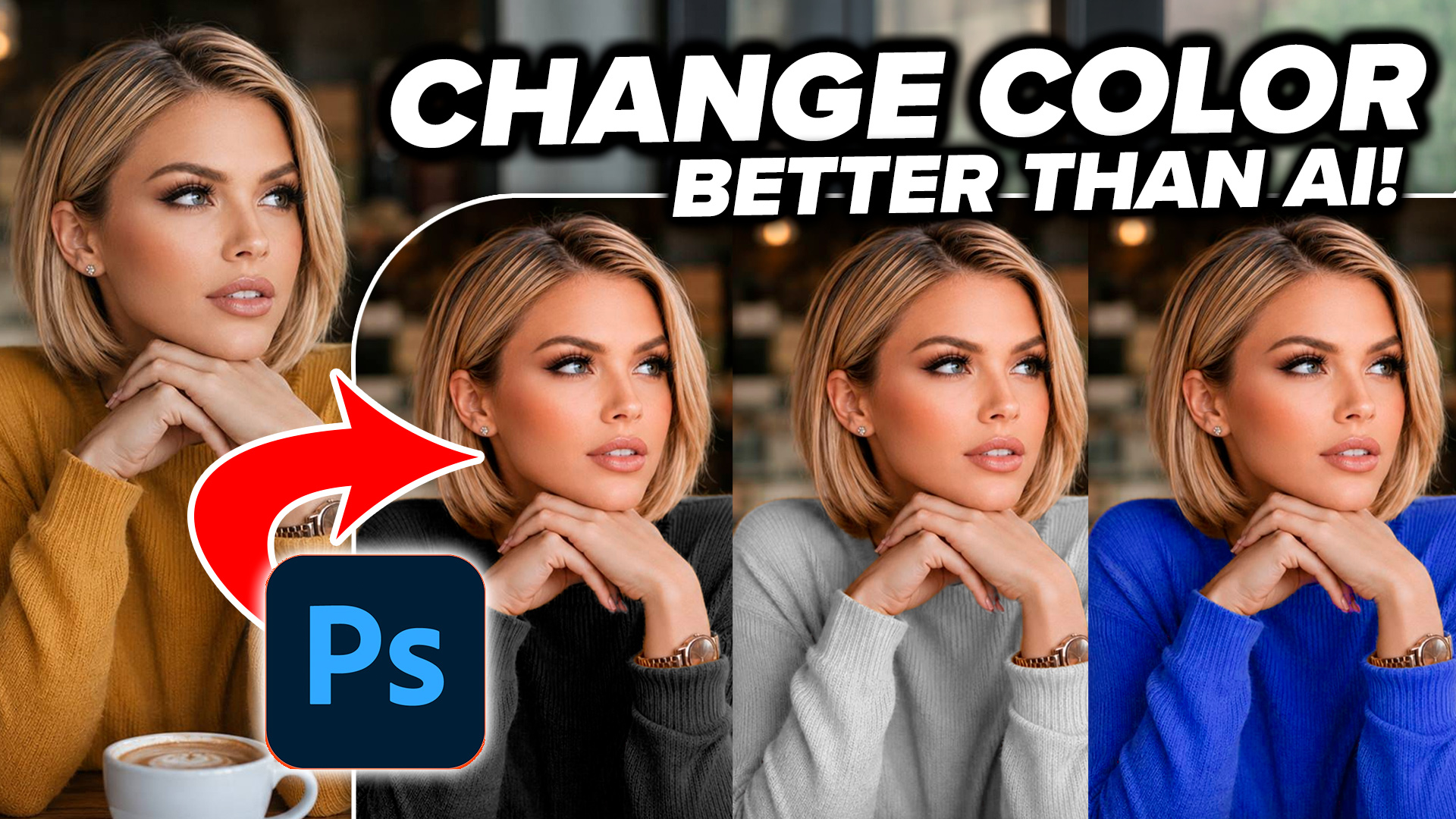
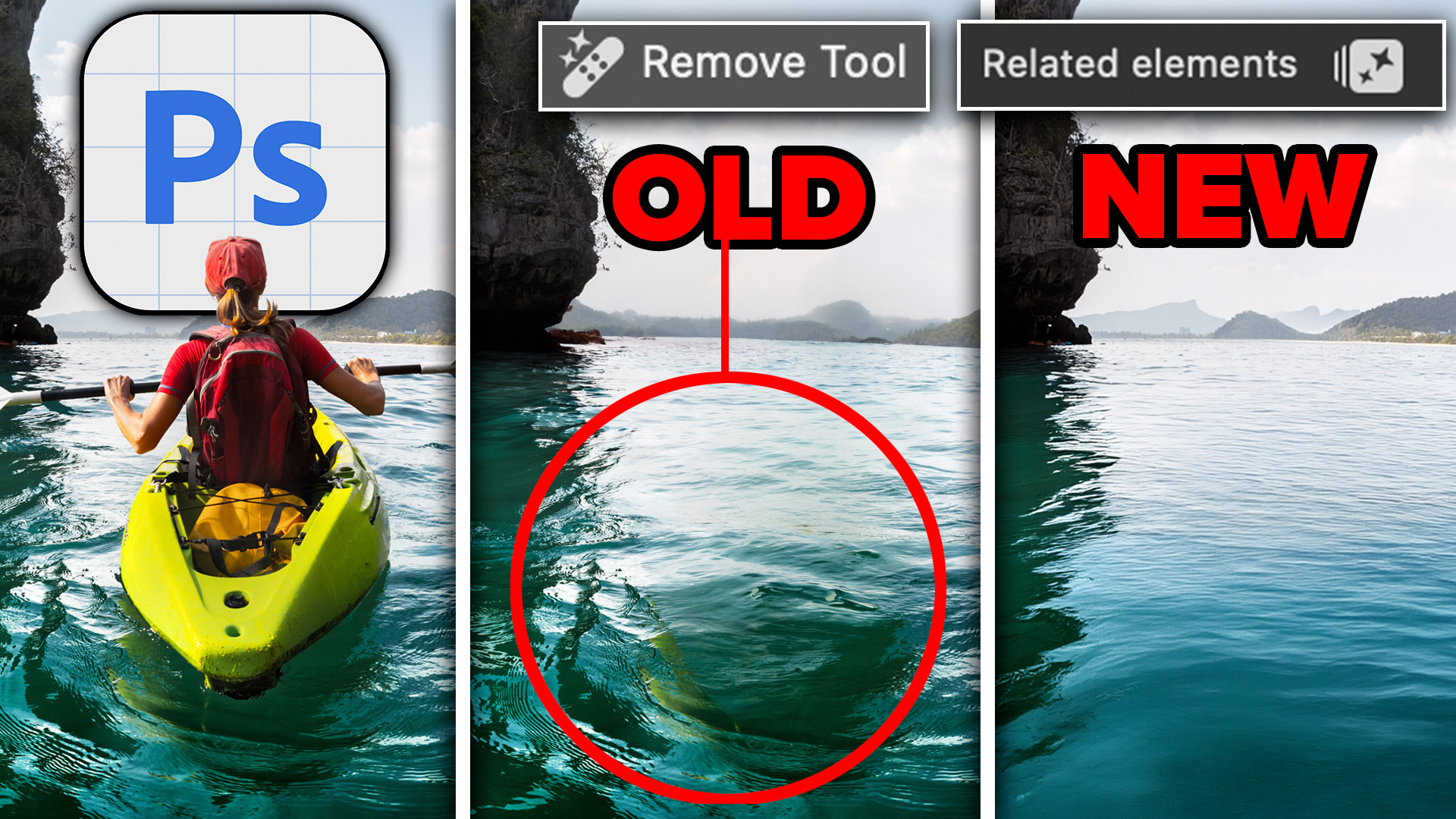
In this Photoshop tutorial, you will learn 5 tips in Photoshop to make your photos better.
There are a lot of things you can do while shooting to make your photos looks better, and often you only realize this when you open your precious images up on your computer. So, do you go back and reshoot them? If they are out of focus and blurry, or severely overexposed, that’s your only option. But for just about everything else, this is why you have Photoshop.
I present 5 very useful tips for making your photos look better in Photoshop, after the fact. How many of these did you know, and which is your favorite? Let us know in the comments.
Thanks for checking it out and joining us here at the CAFE
Colin
Keep growing with Premium Courses
Photoshop 2026 for Digital Photographers
Learn Photoshop properly, from the basics to pro retouching, step by step.
$129.00 · one-time purchase · instant download

Free for you
The Photoshop Vault
Get my free Layer Blending Modes ebook along with dozens of exclusive Photoshop goodies: actions, brushes, presets and cheat sheets.
You're on the list, so your free goodies are waiting for you in the Vault.
Get Free Photoshop Goodies Open the Vault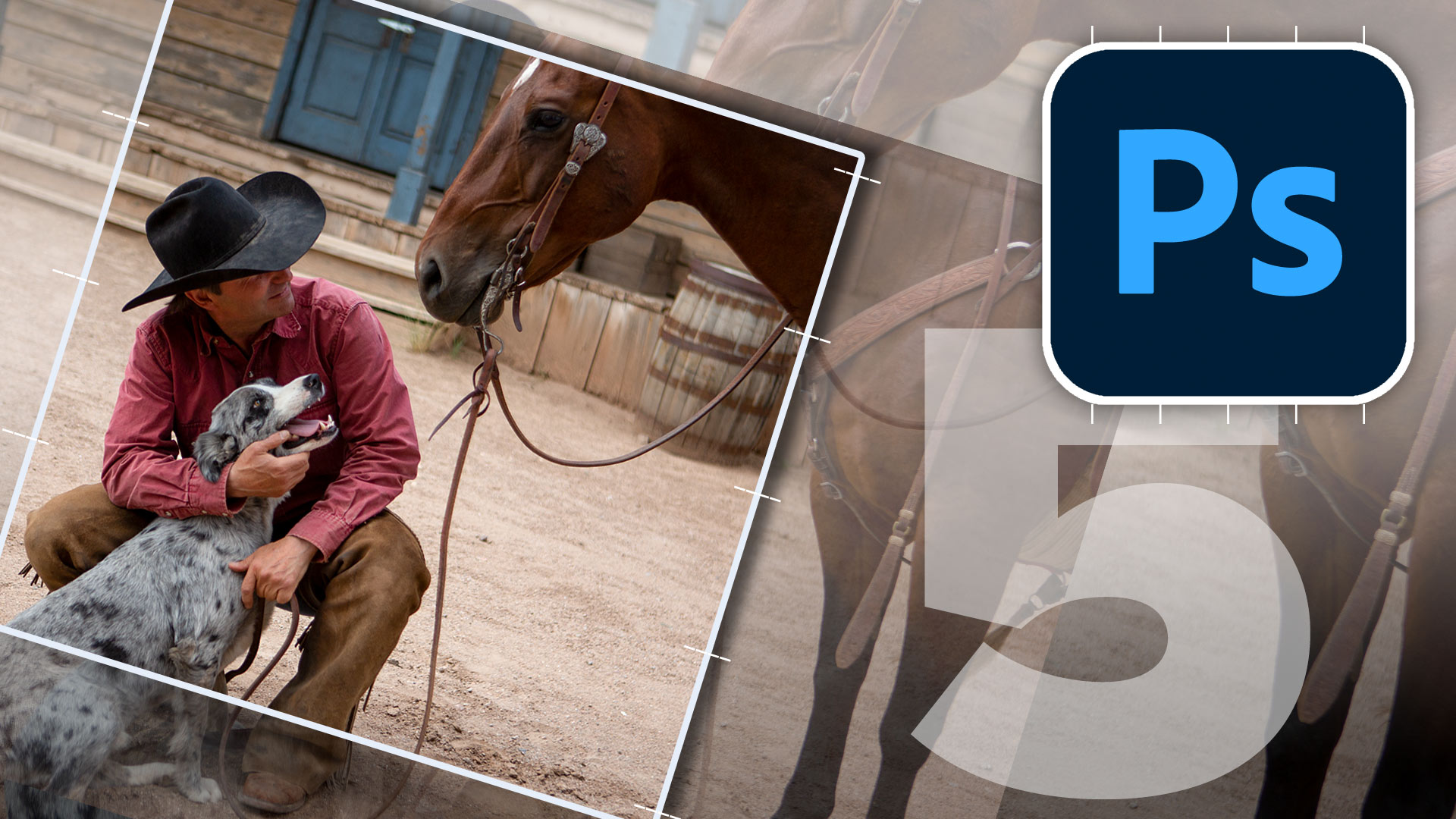
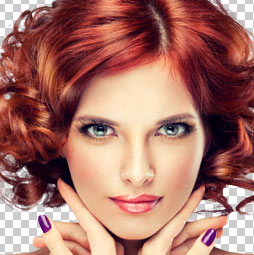
Hollywood style searchlight in Photoshop Tutorial
Create a hollywood style, spotlight effect. This tutorial came about as a result of a request from the forums. This effect will... Read tutorial
Focus on Nature – International Photography workshops in Iceland
Photography workshops and tours in stunning Iceland Read tutorial
How to create a Design Concept with Photoshop and Adobe Stock
In this Photoshop tutorial, learn how to create a cool mirrored effect that looks like something on a record cover, or movie... Read tutorial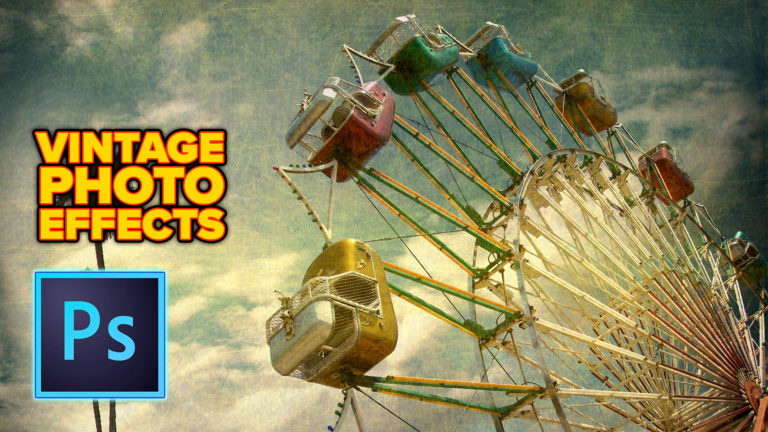
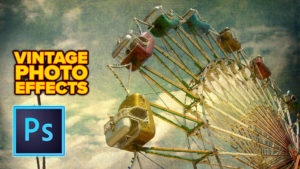
Vintage Photo effects in Photoshop tutorial. 4 popular processing effects
Learn how to make 4 vintage photo effects in thisPhotoshop tutorial. Learn processing techniques that were historically used and how to reproduce... Read tutorial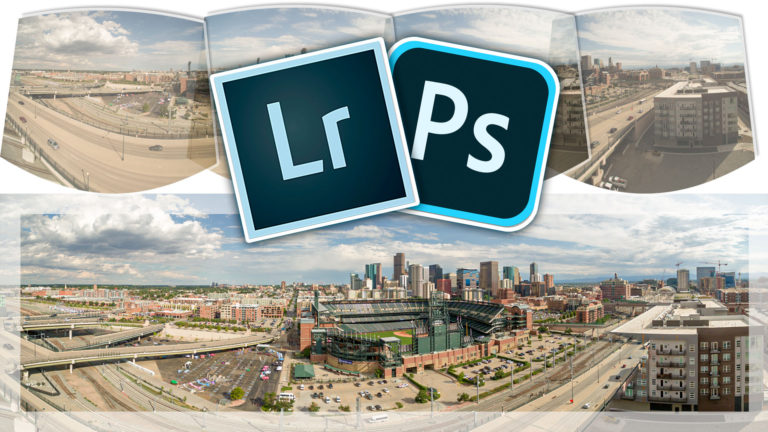
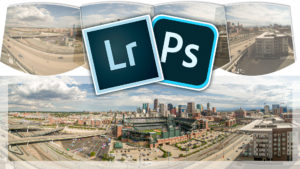
How to Make a Panoramic photo – shoot and edit a Pano in Lightroom or Photoshop
Why Panoramas? Panoramas, or panos are a great way to do a couple of things. First of all, they make it possible... Read tutorial








Excellent video! #3 & 5 were of special inferest to me, but learned something in all 5!
Thank you!
Great video! # 5 was the best of all. Thanks!
MANY THANKS FOR ALL OF THE 5 TIPS! REALLY LOVE THE LAST ONE.
IT’S ALWAYS CLEAR AND PRECISE WITH YOU M, COLLIN.