
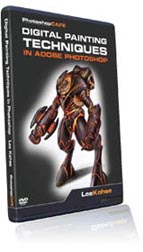
Digital Painting Techniques in Adobe Photoshop
Digital Painting Techniques in Adobe Photoshop
Paint like the masters!
If you are interested in digital painting, this DVD is a rare treat! Join one of the entertainment Industry’s leading experts. Bloodfire studio’s Creative Director, Lee Kohse takes his vast experience painting for clients like Lucasfilm and DC comics and shows you exactly how it is done. Starting from a pencil sketch, Lee will digitally paint two complete projects. Watch as lee paints a fantasy piece featuring a dragon and fairy. Then prepare to be inspired as Lee paints a futuristic robot. Watch and learn as Lee unveils the workflow and techniques necessary for creating stunning work in Photoshop. As a bonus, you will learn how to use the Wacom pressure sensitive tablets. You will love his down to earth and witty style of teaching.
This is your chance to sit down with one of the industry’s leading experts and discover the secrets and digital workflow for the pros.
Lessons Include:
Watch as Lee sketches a comic book character and then paints 2 amazing pieces of art.
Learn the techniques to get you started on a lifetime journey of digital painting
Understand how to paint in Photoshop
Creating custom brushes
Repurposing brushes
Discover the workflow of the pros
Ideal for someone coming from a traditional background
Learn the techniques that were used by renaissance masters
Master the brush dynamics in Photoshop
Learn how to block out color
Work with shadowing and highlight techniques
Adding detail
Blend and composite your final piece
Watch two complete projects, start to finish (Portions are sped up so you will see every brush stroke without being bored).
Description

Welcome from LEE
Overview of the scope of the DVD.
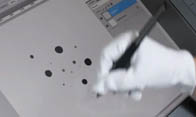
hair brush
Getting started creating custom brushes to paint with. A quick look at creating hair.
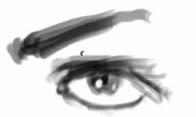
moon brush
Creating the main brush that you will use for the majority of the brush work.
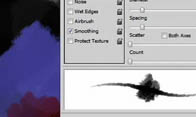
Splatter brush
Creating a brush for special effects; learn to repurpose brushes.
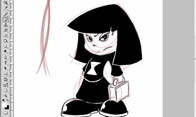
sketching
An excercise to improve your brush skills. Sketching a cartoon character from Kindergoth. A look at using the Wacom Cintiq.
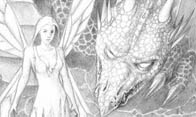
base color
Getting started on our fantasy piece. Using an alpha channel as vellum. Laying down the basic color palette.
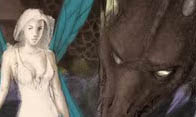
background
Creating the background for the piece..
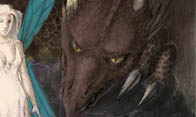
dragon
Blocking out the dragon.
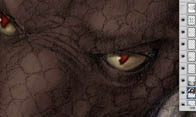
fix eyes
Making adjustments to your reference as you progress through the painting.
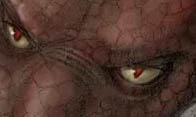
roughing out dragon details
Beginning to rough out the details in the dragon.
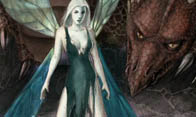
fairy
Painting the fairy working with characters.
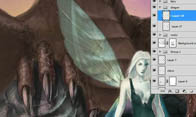
detailing dragon
Painting the details for the dragon. Working with shadow and highlight.
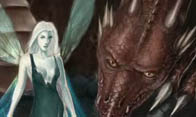
finishing dragon
Adding the finishing touches to the dragon. Making it look realistic.
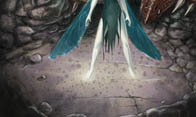
ground details
Adding the detail to rocks, ground and cracks etc… texturing.
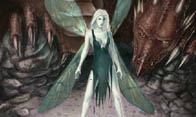
refining painting
Adding the finishing touches to the details of the painting.

compositing
Some tricks to bring everything together into a tidy composition.
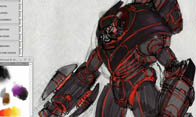
robot 1
Beginning to paint the Sci-Fi Robot. Creating a paint palette.
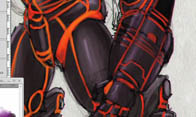
robot 2
Continuing with the robot and adding details and working with the fire
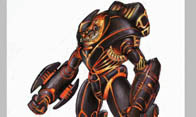
robot 3
Finishing up the robot. Making it pop.
$49.99





Reviews
There are no reviews yet.