
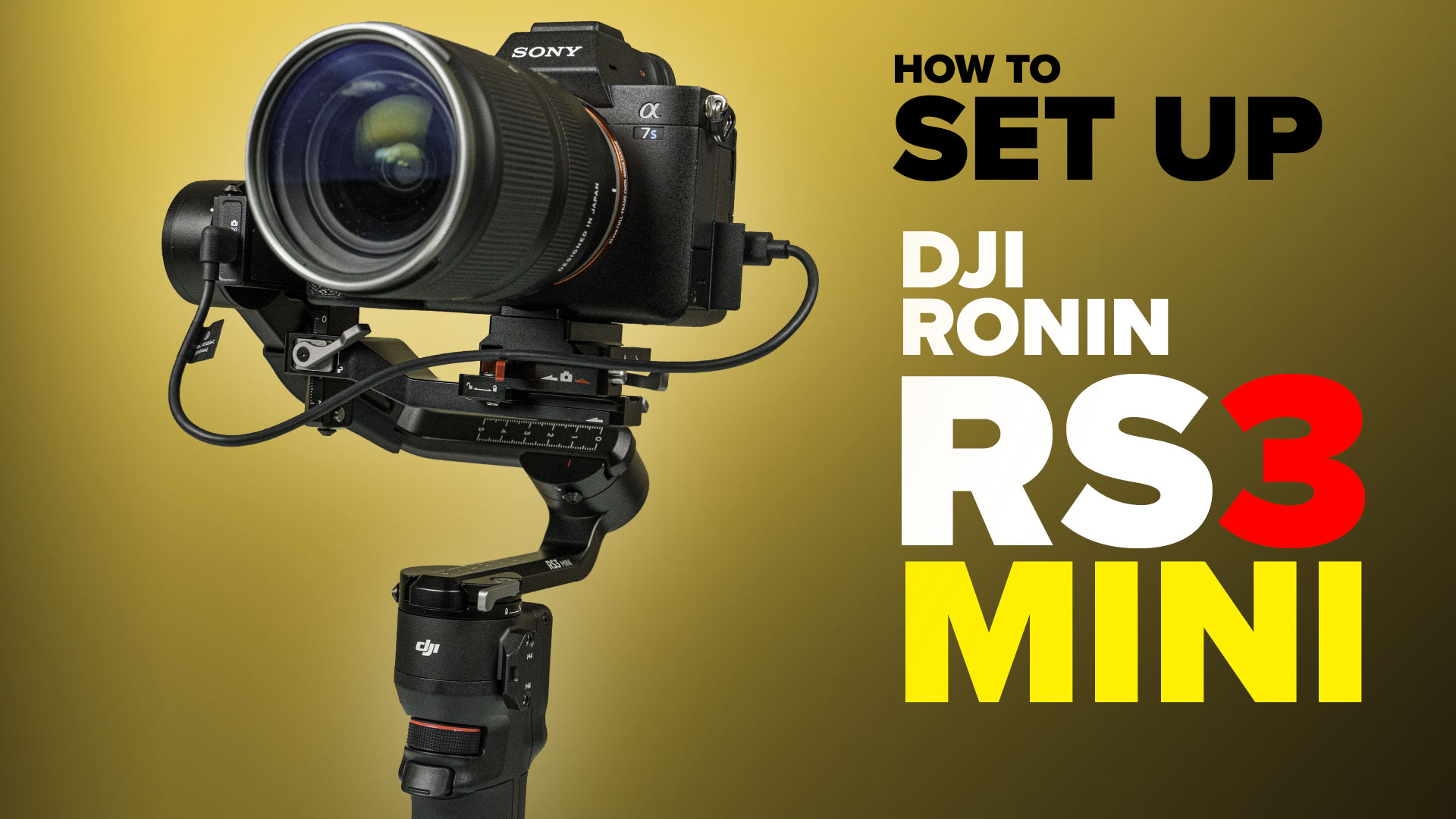
How to set up and balance DJI RS3 mini Gimbal
The DJI RS3 mini is a compact gimbal stabilizer that is compatible with lots of cameras including the latest mirrorless and compact cameras from Sony, Canon, Fuji and Nikon. It features three-axis stabilization, which helps to smooth out shakes and vibrations, resulting in stable and professional-looking footage. The gimbal also has a variety of shooting modes, such as panorama and time-lapse, and can be controlled remotely via the DJI Ronin app.
The RS3 mini is currently the lightest mini gimbal capable of holding a mirrorless camera on the market.
Built on similar tech as the RS3 and the RS3 Pro, but is lighter weight at around 800Grams (1.8lbs) and can carry 2 kilogram (4.4lb) payload. RS3 mini can also shoot vertical for social media. It comes in at $369 USD.
I have created a video that shows you the full setup for this gimbal.
It takes you through the entire process:
00:00 – Intro, what’s covered
00:30 – Setup the core Ronin RS3 mini gimbal
01:27 – Charging the gimbal
2:02 Mounting the camera
03:48 – Balancing the camera on the gimbal
09:07 – Activating and connecting to the Ronin app
10:01 – Calibrating with Autotune
11:00 – Set up Wireless bluetooth control
12:46 – USB cable Control from camera to RS3
13:55- Sony A7S3 settings for USB Control
14:56 – Set up manual focus
16:26 Set up Vertical mode
18:28 – Set up briefcase mode
19:19 Using the Ronin App features, Force tracking etc
I have also created a video for the DJI RS3 pro and Raveneye here
2 thoughts on “How to set up and balance DJI RS3 mini Gimbal”
Leave a Reply


Wacom One Creative Pen Display, hands-on in-depth review and recommendations.

The cameras are tested on the iPhone 14 pro and compared to the 13 pro. Is the RAW worth it?










Can this be used with a full sized tripod?
Yes, it has a mount on the bottom. I’d use a tripod for timelaspse