Two New ai Masks in Lightroom Classic 12.3
Lightroom just got an update and one of those updates is the addition of 2 new ai masks.
The first is facial hair. This is useful for selecting and editing beards. You can make them darker or lighter. You can link the facial hair to the hair and get a more believable edit as they all change together. Also useful to get a little gray out of beards in Lightroom.
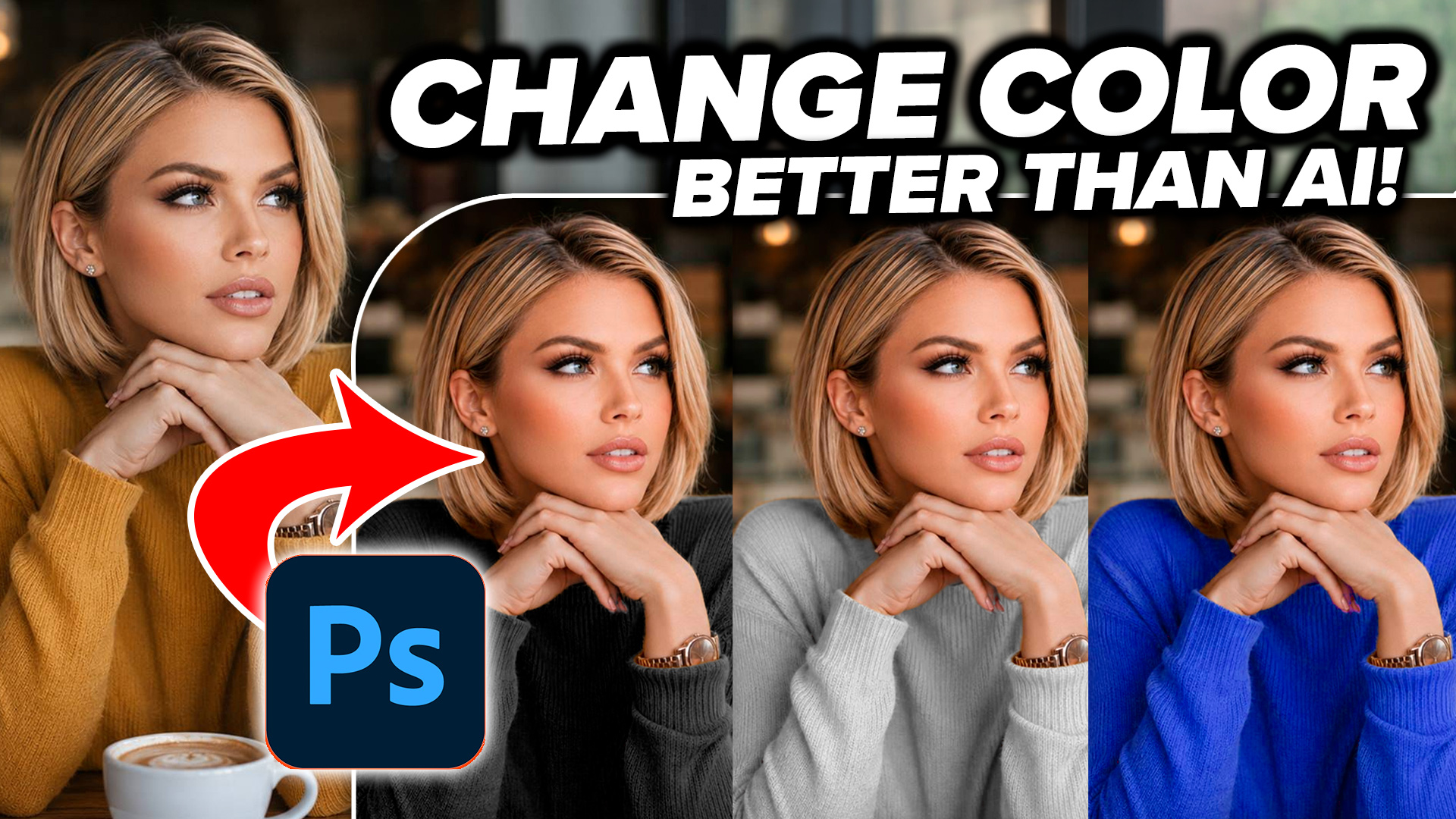
The second new mask is selecting clothes. To be brutally honest, this second one doesn’t work great at the moment, but I have come up with some tricks to make it work a lot better. I hoep this tutorial is useful for you. I’ll add the written steps later, its been a very busy couple of weeks for me content wise!
Thanks
Colin
Masks in Lightroom and Camera RAW (in Photoshop)
This new 3+ hour set of 26 tutorials will help you master the use of the new Masks in Lightroom or /and Camera RAW. Get it here

Recommended for this tutorial
Learn Masks in Lightroom and Camera RAW
Make precise local adjustments in Lightroom and Camera Raw with every type of mask.
$59.99 · one-time purchase · instant download

Free for you
The Photoshop Vault
Get my free Layer Blending Modes ebook along with dozens of exclusive Photoshop goodies: actions, brushes, presets and cheat sheets.
You're on the list, so your free goodies are waiting for you in the Vault.
Get Free Photoshop Goodies Open the Vault
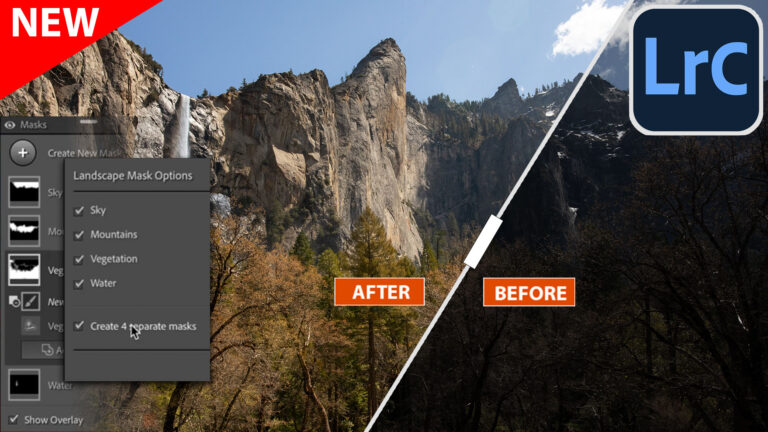
New Auto Landscape Masks in Lightroom and ACR a Game changer
Ai Auto Masks for Landscapes are here in Lightroom and ACR Read tutorial
Easy fast way to fix edges of masks in Lightroom and Camera RAW
This tutorial shows you the fastest, easiest way to fix edges on masks in Lightroom or Camera RAW, its easy and it... Read tutorial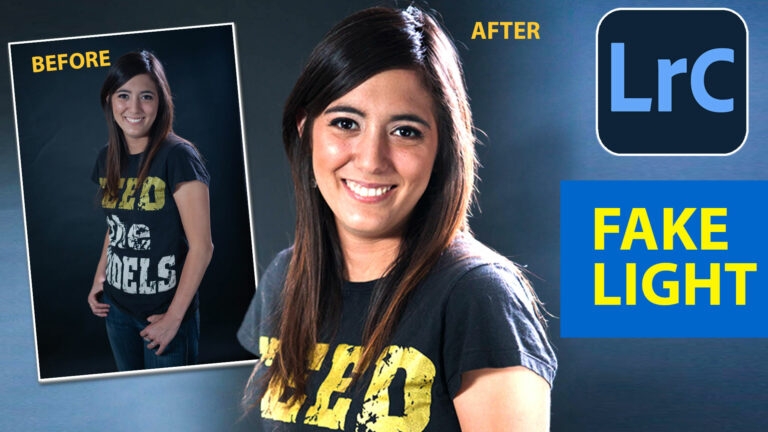
Add Edge Lights in Camera RAW and Lightroom, with ai Masks
How to add edge light in Camera RAW and Lightroom using new ai powered masks. Read tutorial
How to change hair color in Lightroom with masks. Ombre hair effect and advanced masks.
How to change hair color in Lightroom using AI masks. Create Ombre and mermaid hair color on pictures. Read tutorial
Lightroom Classic Update Deep Dive: What’s New and What Actually Matters June 2026
Lightroom Classic just got one of its biggest updates ever. See the 10 new features photographers have been waiting for, including Duplicate... Read tutorial













Thanks Colin, as always for timely tutorial/ Much appreciated!