
Blend layers in Photoshop with Layer Masks to make photo collages

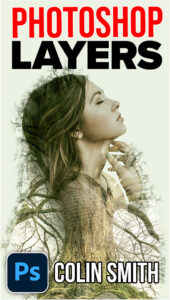
Recommended for this tutorial
Learning Layers in Photoshop.
Understand layers, masks and blend modes, the foundation of everything in Photoshop.
$54.99 · one-time purchase · instant download

Free for you
The Photoshop Vault
Get my free Layer Blending Modes ebook along with dozens of exclusive Photoshop goodies: actions, brushes, presets and cheat sheets.
You're on the list, so your free goodies are waiting for you in the Vault.
Get Free Photoshop Goodies Open the Vault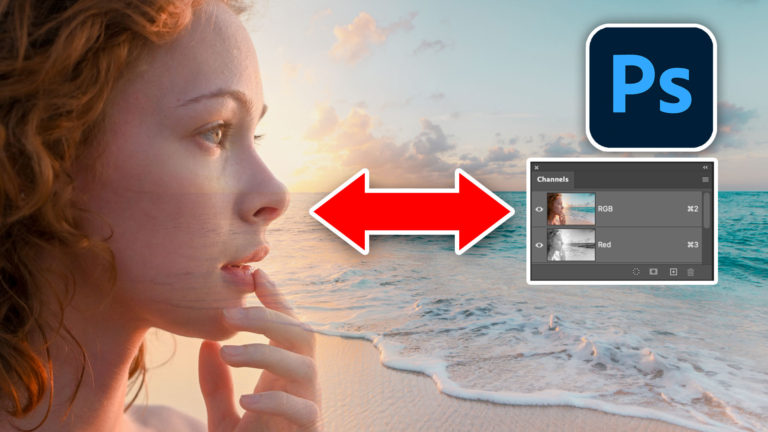
How to blend Layers in Photoshop and select faces with masks
How to blend images in Photoshop to make a poster, using channels to select faces Read tutorial
how to create a texture overlay of a photo in Photoshop
This tutorial shows you the fastest way to create digital art with textures in Photoshop. You have seen stylized photos everywhere and... Read tutorial
How to make a photo collage in Photoshop
How to make a photo collage in Photoshop by blending layers together. Photoshop collaging and compositing tutorial Read tutorial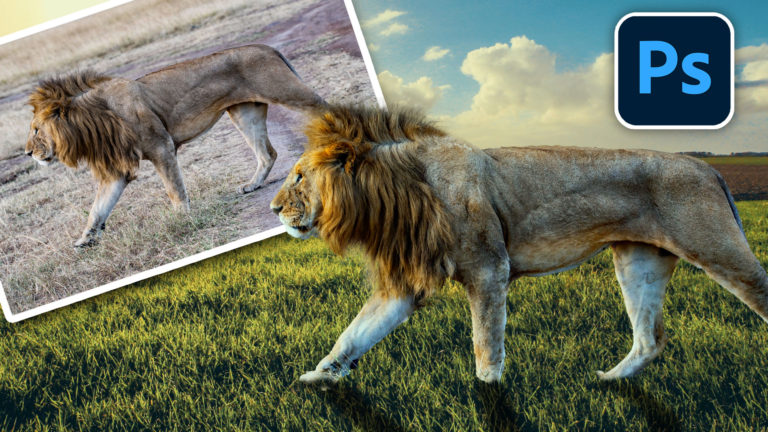
How to combine photos in Photoshop for beginners
How to combine photos and match the colors in Photoshop. Free photoshop tutorial for beginners. Read tutorial
How to make a photo collage in Photoshop with free Adobe Stock photos
How to make a creative photo collage with Photoshop 2026 and free Adobe Stock Photos Read tutorial












Colin….this is exactly what I was looking for. I have a job that will require this type of masking. Very timely!! Thank you very much….
Great tutorial Especially liked the tip about adding multiple gradients to same layer
Great tutorial Colin! I was able to even anticipate what you were going to do next – only because I’m learning so much from your tutorials. I like when you use more than one technique. This was a really good one and can be used in so many different ways. So thanks!!
Love your tutorials and you are my guru for Photoshop learning. Thank you and keep it coming!
Great tutorial. I’ve done quite a bit of compositing but you can always learn variations on your techniques. I learned a couple of things here.
Thank you so much Colin for making me understand layer masking and how to apply it. Much better technique than what I was using
Great tutorial. I really enjoyed watching this and can’t wait to give it a try.
I’m having trouble learning how to use masks and this tut was helpful … thanks.
Great tutorial & as requested, like the combination of techniques, although needs several viewings to take it all in.
One further thing, I see you are using Photoshop CC, but hope all what you’ve shown can be done in Photoshop Elements 13.
I don’t think so. Does Elements support blend modes? I haven’t opened elements in years. sorry
Good Stuff, Colin
Great tutorial, Colin. Very helpful. I would still like to see you do a tutorial on how to make dry hair look wet please. Let me know. I’m subscribed and get every one of your tutorials.
Great tutorial. Can this be used as is, with earlier versions of PS. I have CS5.
If not, how about a TUT for us OLD ones in this genre.
Cheers
Should work on any version
Clever! I can use this technique for sure! Thank you Colin! Yes, I like when you combine things!