Lightroom for Photoshop Users
Some really great tools are here for working on your photographs. Learn how to have the freedom to experiment with virtual copies and presets. Share your images easily with export presets and built in social media sharing tools.
If you are a Photoshop User and have been considering using Lightroom, this tutorial will teach you the basics to get you up and running quickly, as well as why you would need Lightroom in your workflow
PS Don’t forget to follow us on Social Media for more tips.. (I've been posting some fun Instagram and Facebook Stories lately)
You can get my free Layer Blending modes ebook along with dozens of exclusive Photoshop Goodies here



This Photoshop tutorial shows you different tools and techniques to remove anything from a photo. We will remove braces from...
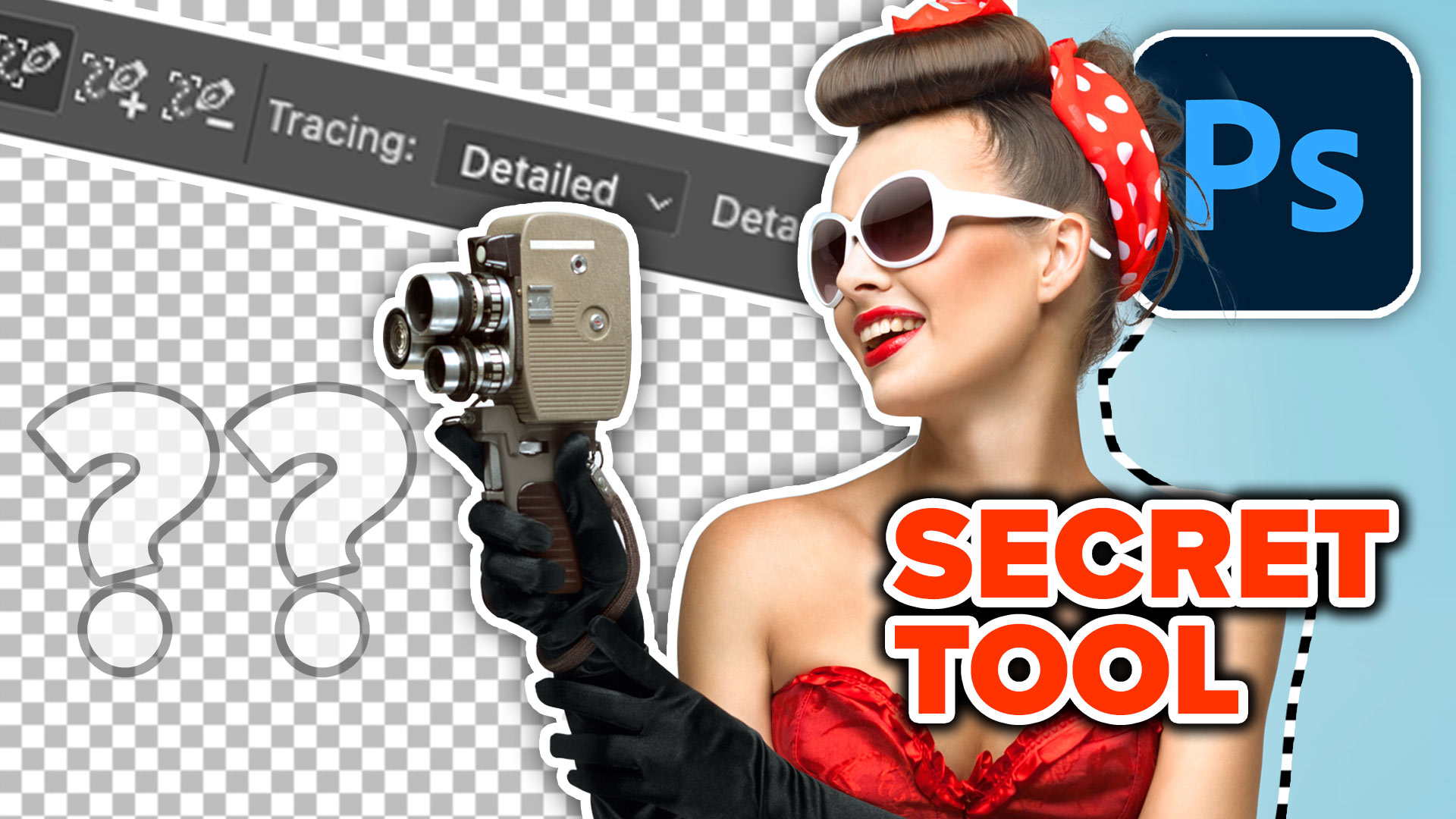
Make paths in photoshop automatically with Hidden content aware trace, perfect edges for super clean masks and selections
New features of Lightroom Classic CC, speed and range masking tutorial, See the range mask in action on the brush,...