
Refocus your photo in Photoshop, adjustable depth of field
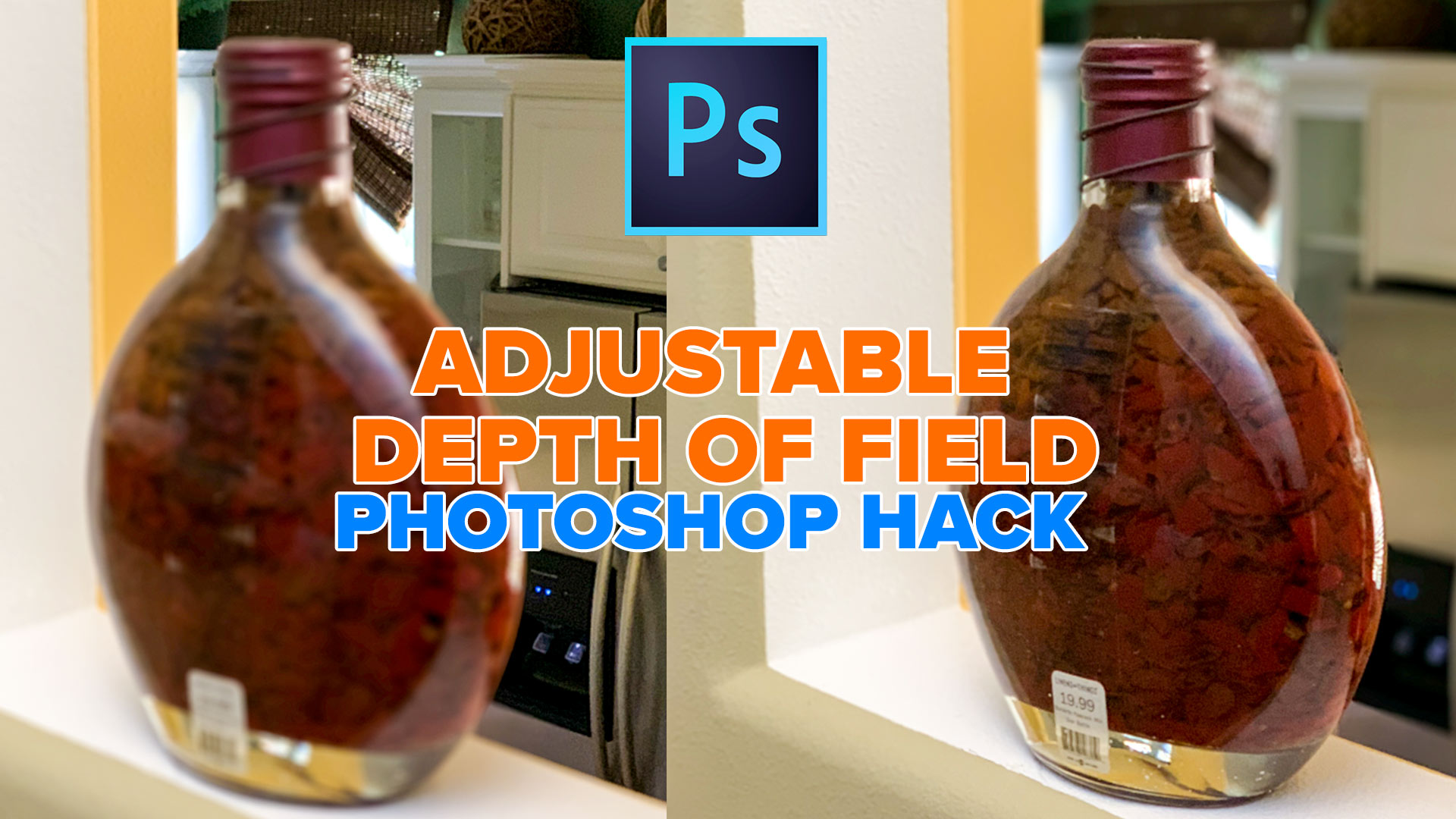
Refocus your camera in Photoshop using your smart phone metadata.
Check out this Photoshop hack I came up with. You can adjust the depth of field in Photoshop by using the depth map that comes from a smart phone photo.
Thanks for watching
Colin

Keep growing with Premium Courses
Photoshop 2026 for Digital Photographers
Learn Photoshop properly, from the basics to pro retouching, step by step.
$129.00 · one-time purchase · instant download

Free for you
The Photoshop Vault
Get my free Layer Blending Modes ebook along with dozens of exclusive Photoshop goodies: actions, brushes, presets and cheat sheets.
You're on the list, so your free goodies are waiting for you in the Vault.
Get Free Photoshop Goodies Open the Vault
How to do Focus Stacking in Photoshop tutorial
How to blend multiple photos together to get wider depth of field with focus stacking. Macro and close up photography limited depth... Read tutorial
How to blur the background of a photo in Photoshop, the pro way
How to create a Blurred background, Bokeh, out of focus background, shallow depth of field effect in Photoshop 2023 Read tutorial
Hollywood style searchlight in Photoshop Tutorial
Create a hollywood style, spotlight effect. This tutorial came about as a result of a request from the forums. This effect will... Read tutorial
Vintage Photo effects in Photoshop tutorial. 4 popular processing effects
Learn how to make 4 vintage photo effects in thisPhotoshop tutorial. Learn processing techniques that were historically used and how to reproduce... Read tutorial
The 10 Best Photoshop Tutorials of 2020
The top free Photoshop and Lightroom tutorials. 12 best free Photoshop and Lightroom tutorials are right here. Read tutorial














I use a PC