
MacBook Pro M4 MAX, speed test with Photoshop 2025 and Premiere Pro
MacBook Pro M4 Max tested, vs M2 Ultra Mac Studio and M1 Max MacBook Pro.
In this real-world speed test, we will find out how well the MacBook Pro M4 Max handles Photoshop as well as Premiere Pro
Here are the specs on the machines we are going to compare.

We will test a number of increasingly difficult tasks with Photoshop. We will also test rendering and encoding speeds in Premiere Pro.
The questions are
1. Is the M4 fast enough to warrant un upgrade? Or is your current machine sufficient.
2. How well do these machines perform against each other.
I hope you enjoy these tests. Let me know what you think in the comments.
Colin

Keep growing with Premium Courses
Photoshop 2026 for Digital Photographers
Learn Photoshop properly, from the basics to pro retouching, step by step.
$129.00 · one-time purchase · instant download

Free for you
The Photoshop Vault
Get my free Layer Blending Modes ebook along with dozens of exclusive Photoshop goodies: actions, brushes, presets and cheat sheets.
You're on the list, so your free goodies are waiting for you in the Vault.
Get Free Photoshop Goodies Open the Vault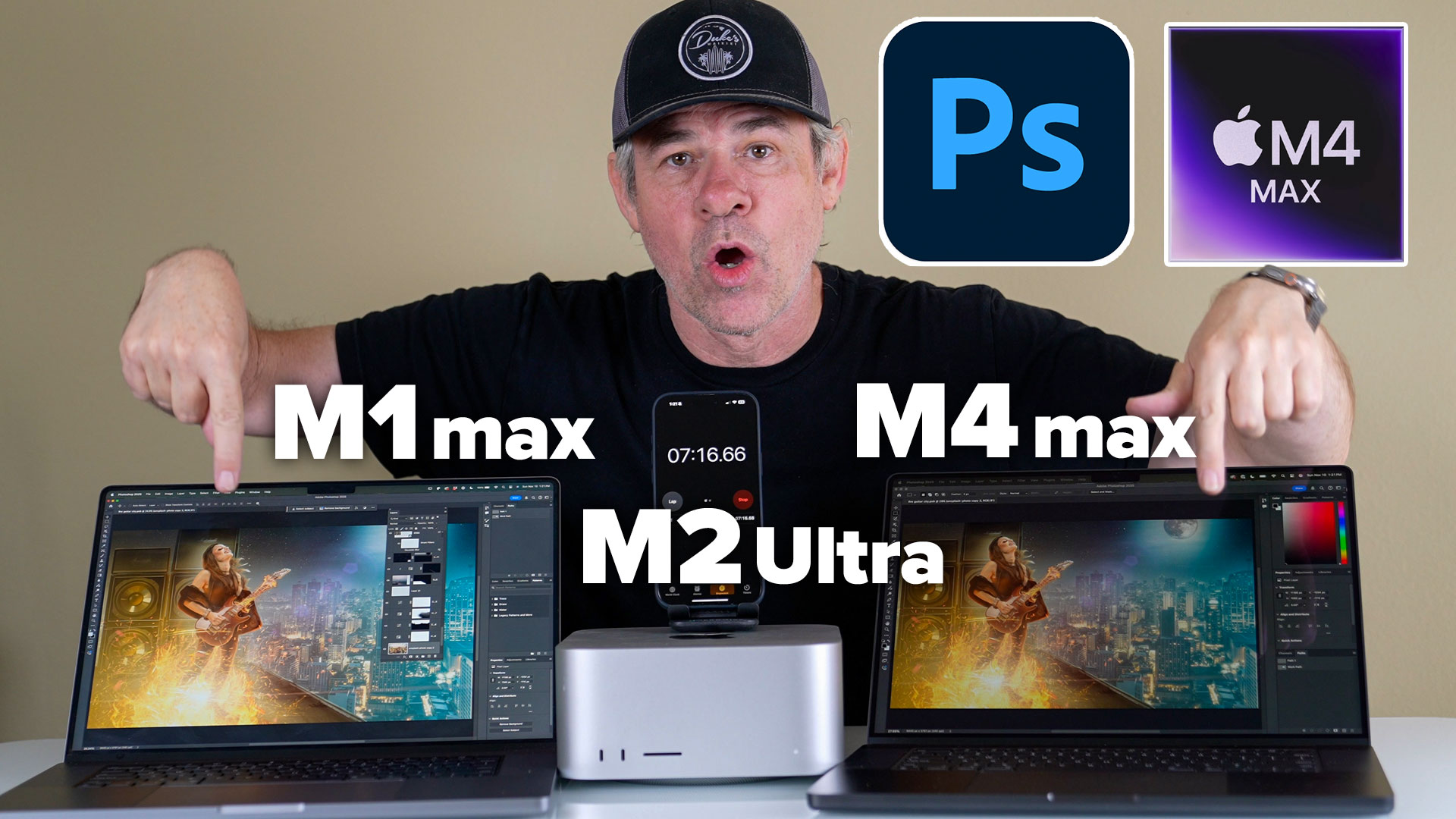
iMac PRO, inDepth review and speed test
The new iMac Pro is now shipping. It’s 2 things: 1. very beautiful and 2. very expensive. But, is is fast? Check... Read tutorial
16-inch Macbook Pro review. Is it good for creatives?
In this review, Colin Smith takes a deep dive into a fully loaded 8 core 16” MacBook pro. See whats good and... Read tutorial
2019 Mac Pro review and speed test on Adobe software.
Full review and speed test of the 2019 Mac Pro: v 16" MacBook Pro, 32Gb Radeon GPU vs 8Gb. Tested with Adobe... Read tutorial
All 5 DJI Intelligent Flight modes, tutorial and review
how to use the DJI Intelligent flight modes for the Phantom 3 and the Inspire 1. Course lock, home lock, follow me,... Read tutorial
Epson SureColor P600 printer review
Epson SureColor P600 tested and reviewed by Colin Smith PhotoshopCAFE. If you are looking for a desktop photo printer that prints up... Read tutorial










Thanks for the in-depth comparison. I’m feeling really good about my Studio purchase a couple of months ago!
I have the M2 macbook pro with the best specs possible … how does this compare with the M1 and the new M4 ?? Thanks as always Colin.. love your work. Jim.
interesting comparison. I use my M1 Macbook Pro for travel and I find the bottle neck is creating previews. Can you run creating previews with say, 2-5,000 files from a high resolution camera.
Thanks
Colin
Can you please do a write up on the new M4 mini. I need to replace my iMac 27″ now it is running much slower
I’m also interested in the M4 Mini, my iMac 27 just got a warning that photoshop need a newer mac os version and I can’t upgrade. (2018 iMac 27)
That was a great set of tests and comparisons – you know how to max-out a Mac! Totally agree with staying ahead on the tech and going with the M4 Max, if you can. Smart to think ahead! For myself, I know that any brand-new iMac or MacBook Pro will impressively out-perform the machines that I’ve got to use, today.
Thank-you for doing such a smooth video! Pro!
Thanks Colin I am using a pc for photoshop digital composition but I don’t make videos. It’s time to upgrade but I’d like to keep with pc based notebook or desktop. I do many many many layers….but find I can’t access the AI features properly. I’m on Windows 10. Current pc won’t do Windows 11. I use a Wacom Cintiq Pro 24. Can you suggest a pc with the right “grunt”? Many thanks Margaret
Thank, Colin!! Can you suggest a windows equivalent laptop for the 16″ MacBook Pro M4 MAX 64Gb for photography?? I was thinking the Asus ProArt P16 or the Dell XPS 16