
Solutions for Photographing Artwork
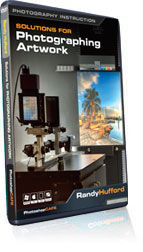
Solutions for Photographing Artwork
Three complete workflows to photograph artwork for the professional and enthusiast alike!
Correctly reproducing the exact color and texture of a painting in a photograph has always been a challenge. If you’re an artist, framer, gallery owner or even a web designer, understanding the process of how artwork is properly replicated for digital use is knowledge that is essential to compete on the highest level.
Randy Hufford opened the largest professional photo lab in Hawaii, and has mastered of the craft, as it evolved into the exact science it is today. In this program, Randy breaks down the entire process into 47 lessons. These techniques teach the photographer how to accurately capture 2 dimensional, flat art and turn it into a usable digital file that can be printed or archived.
Understand the lighting techniques that are specific to lighting artwork. Perfectly align and center the artwork for accurate reproduction without distortion. Rake the light to cause the textures to pop on paintings and much more. Put on your seat belts, and learn what’s possible in this very important niche of the art world, which will make sure your art lives on forever.
The Author
Randy Hufford is a Maui based artist and instructor. His great enthusiasm for photography is matched by a deep knowledge of the entire photographic process. From creating, printing, mounting and framing, Randy’s keen eye and attention to detail make him one of the most informative instructors in the business. Randy is passionate about creating and selling his fine art images in galleries throughout Hawaii and the world. He shares his vision by teaching his methods at the Institute of Visual Arts, in Maui. www.ivamaui.com
This training contains over three and a half hours of indispensable training in beautiful, razor-sharp video. The advanced interface allows you to instantly jump to any of the lessons with complete control over the playback, including Full Screen.
Accurately reproduce artwork
Handling and hanging art
Lighting art
Copy Wall and Rolling Track
Fluorescent, HID and strobes
Using a Zig-Align to line up the camera
Monitor calibration
Monitor optimization
Lens selection
Raking light
Camera alignment
Color Checker Passport
Robin Meyers Grey Card
Proof prints
5D workflow
Hasselblad workflow
Scan back workflow
Color Pony
Profiling workflow
Description
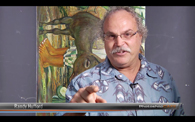
Welcome
Randy welcomes you and explains what to expect.
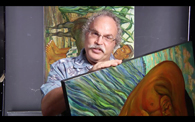
Handling Art (00:50)
Randy talks about handling artwork and introduces his R&R copy system.
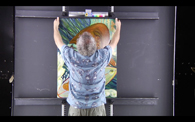
Securing Art (02:28)
Randy shows you how to secure your art using the R&R Copywall.
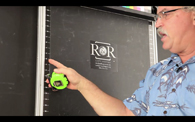
Copywall (02:09)
R&R Copywall set up with grey card and color chart
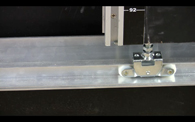
Rolling Track (05:52)
Randy demonstrates the latest addition to the R&R Copywall
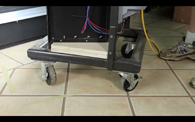
Fluorescent Light Banks (02:19)
Randy shows you his custom light banks and demonstrates the advantages.
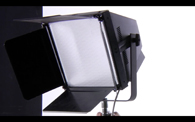
HID Lights (00:42)
Introduction to using “High Intensity Discharge”” lights
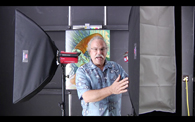
Strobe Lights (02:09)
Introduction to strobe lights
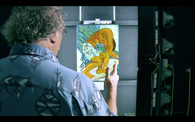
Standard Even Lighting (00:46)
Randy demonstrates even lighting using the fluorescent light banks.
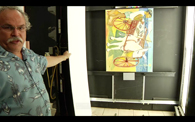
Rake Lighting (03:39)
Randy shows you how to rake your light to show texture.
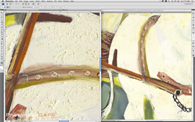
Rake Lighting workflow (02:43)
Randy’s workflow for rake lighting
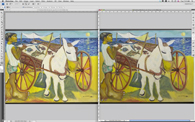
Robin Meyers EquaLight (04:58)
Randy shows you this extremely powerful tool for equaling out light and increasing the quality of your work.
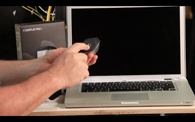
Monitor Calibration (02:16)
In this type of work, your monitor selection is your number one important consideration.
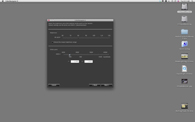
Monitor Optimization (04:33)
Randy shows you the Eizo Monitor software tool “Color Navigator.”
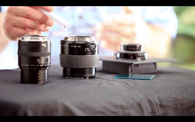
Lens Selection (04:18)
Randy talks about the three different lenses he’s using throughout this video for each camera format.
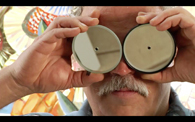
ZigAlign Overview (03:14))
Learn how to use the innovative ZigAlign system to achieve optimum image sharpness.
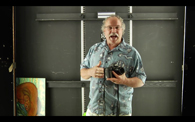
5D set up (00:21)
Intro to 5D set up
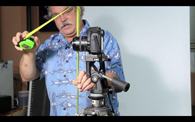
5D Alignment (02:53)
Aligning your camera properly using a tripod and tape measure
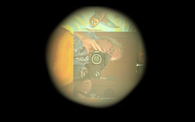
5D ZigAlign (02:07)
A demonstration of the ZigAlign system using the 5D
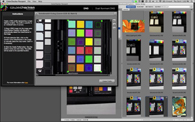
Passport (04:55))
Passport workflow- building and applying a custom profile
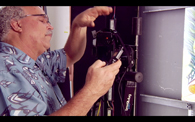
5D Finish Shot (03:06)
Shooting art with the 5D set up
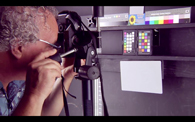
5D Calibration (19:55)
Randy shows you how to calibrate your 5D using the Passport Color Checker.
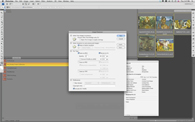
Image Processor (04:53)
Speed up your workflow by batch processing and automating using this brilliant tool.
Hasselblad set up (00:45))
Intro to Hasselblad set up
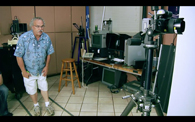
Hasselblad Alignment (01:42)
Aligning your camera properly using a tripod and tape measure
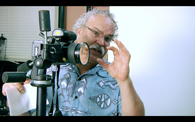
Hasselblad ZigAlign (01:27)
ZigAlign set up and application for the Hasselblad
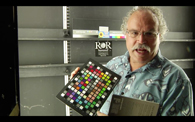
Digital Color Checker SG Chart (00:39)
Randy shows you the precision color checking for building camera profiles.
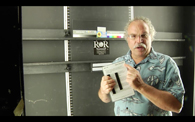
Robin Meyers Digital Grey Card (00:22)
White balance using Robin Meyers Digital Grey Card
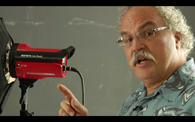
Lighting with Strobes (07:07)
Randy demonstrates an ideal strobe set up for photographing art.
Hasselblad Final Shot (01:09)
Shooting art with the Hasselblad
Hasselblad Calibration (01:10)
Learn Hasselblad calibration using the Phocus program.
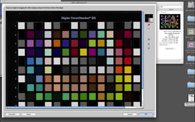
Hasselblad Calibration Workflow (21:44)
Learn Hasselblad calibration using the Phocus program.
Image Processor (05:12)
Speed up your workflow by batch processing and automating using this brilliant tool.
Scanback set up (04:28)
Intro to Scanback set up
Scanback workflow/lighting (02:53)
Randy discusses an overview of the Scanback workflow and sets up the lighting for the shot.
Scanback ZigAlign (04:30)
ZigAlign set up and application for the Scanback
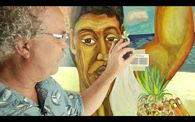
Scanback Critical Focus (02:49)
Randy shows the beauty of using the Betterlight Focusing Chart.
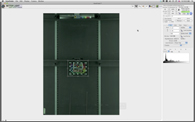
Calibration using Viewfinder (09:16)
Learn calibration for the Scanback using the Viewfinder Software.
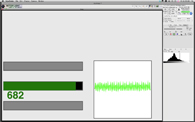
Scanning Exposure (18:35)
Scanning a painting- workflow using custom profiles to get your proof prints ready for delivery
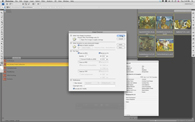
Image Processor (05:12)
Speed up your workflow by batch processing and automating using this brilliant tool.
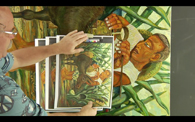
Proof Prints (01:46)
Randy talks about proof prints then gives you an example of setting them up and comparing them to the original artwork.
Color Pony Overview (09:04)
Save enormous amounts of time by using this ground breaking tool. See how the Color Pony eliminates the need to build custom profiles and color charts by doing spectral readings of the painting itself
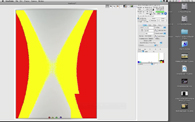
Color Pony Workflow (09:33)
Learn the workflow for this timesaving tool.
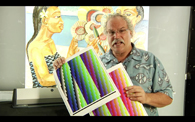
Profiling (01:37))
Randy discusses profiling and printing using the i1 Isis Printer.
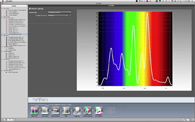
Profiling Workflow (10:12)
Randy demonstrates the i1 Profiler software.
Closing Thoughts (01:11)
Randy offers more thoughts and resources to help further your education on the intricacies of photographing art.
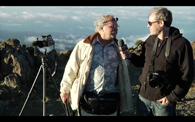
Podcast (05:16)
Colin Smith Interviews Randy on top of Mt. Haleakala, and get a glimpse of the print shop at IVA Maui.
Outtakes (04:13)
An inside look at some hilarious behind the scenes moments with Randy Hufford and PhotoshopCAFE on location at The Institute of Visual Arts in Maui, Hawaii.
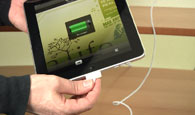
Loading this video on iPad (02:11)
How to upload this DVD to your iPad or other compatible devices
$99.99





Reviews
There are no reviews yet.