
How to create a split tone coloring effect in Lightroom
A popular coloring effect is the split tone. This can be used to create many vintage film looks that people love. Here is an easy Lightroom tutorial, for you to make this effect in Lightroom, 6 or CC (This actually works in every version of Lightroom).
PS Don’t forget to follow us on Social Media for more tips.. (I've been posting some fun Instagram and Facebook Stories lately)
You can get my free Layer Blending modes ebook along with dozens of exclusive Photoshop Goodies here


One thought on “How to create a split tone coloring effect in Lightroom”
Leave a Reply
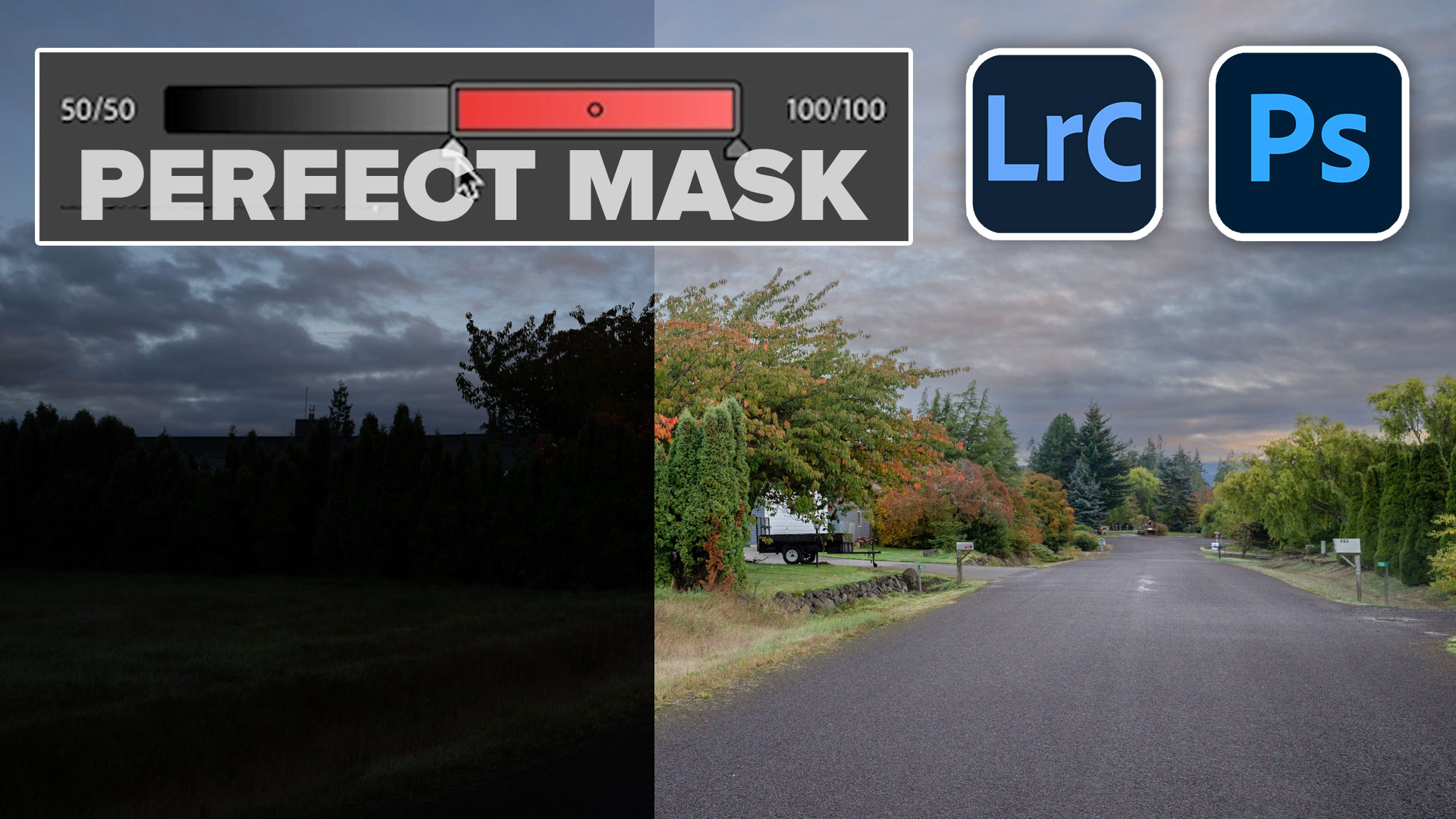
How to make the ai masks better in Lightroom and Camera Raw
in this free Lightroom tutorial learn how to stitch a panoramic photograph in Lightroom 6 / Lightroom CC. Merge photos...

How to automate high resolution in Adobe Generative Fill in Photoshop with actions. The best Generative Fill hack








I like how guys from FixThePhoto working with shadow in portraits, I send my works to him if I need