
Start with a Template in Photoshop: How to find and use free Templates in Photoshop
Templates are amazing. They can save so much time. You start with a professional design and then change it up as much as you like, or just populate the text and photos with your information and you are up and running really fast. Did you know you can get templates right inside Photoshop? This tutorial tells you everything you need to know to get started now.
Don’t start from scratch, use Adobe Photoshop templates to get a jump start on designs and special effects. You can get templates directly inside Photoshop.
This tutorial shows you how to get lots of professionally designed templates and exactly how to use them.
Thanks for Checking it out!
Colin
PS Don’t forget to follow us on Social Media for more tips.. (I've been posting some fun Instagram and Facebook Stories lately)
You can get my free Layer Blending modes ebook along with dozens of exclusive Photoshop Goodies here


4 thoughts on “Start with a Template in Photoshop: How to find and use free Templates in Photoshop”
Leave a Reply
Tutorials on creating metal type abound online, as do variations on simple liquid effects. Most are fairly short, offering a...

In this photoshop tutorial you will learn how 3D works in Photoshop. Colin Smith walks you through the new features...
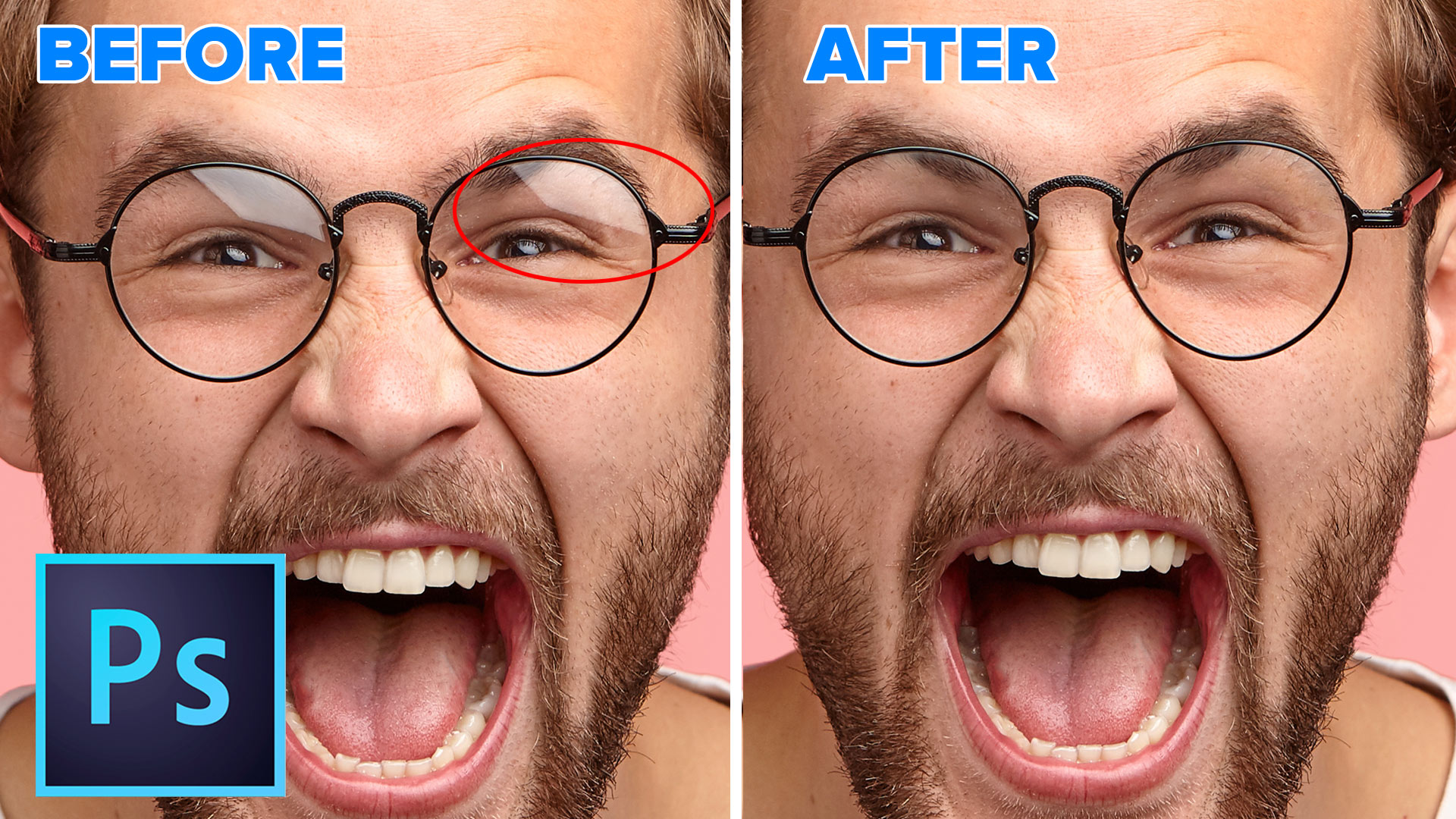
Learn how to remove reflections and glare from glasses in Photoshop. This tutorial shows an unexpected and effective way to...





Hi Colin,
I really love your tutorials. I just watched this one on Free Templates and found it great. One question: When I attempted to download several templates marked FREE, I get an error message that there was a billing problem. I have the monthly CC subscription. Do you have to pay for a subscription for Adobe photos as well, to get the free templates?
If you have Creative Cloud it should be included, unless you are on the $9.99 a month photography program, then Im not sure
Mine does not have a place for a Smart Image. I am lost. Can you please create a video showing how to use your own photo to fill a template and without a place for a smart image?