change color
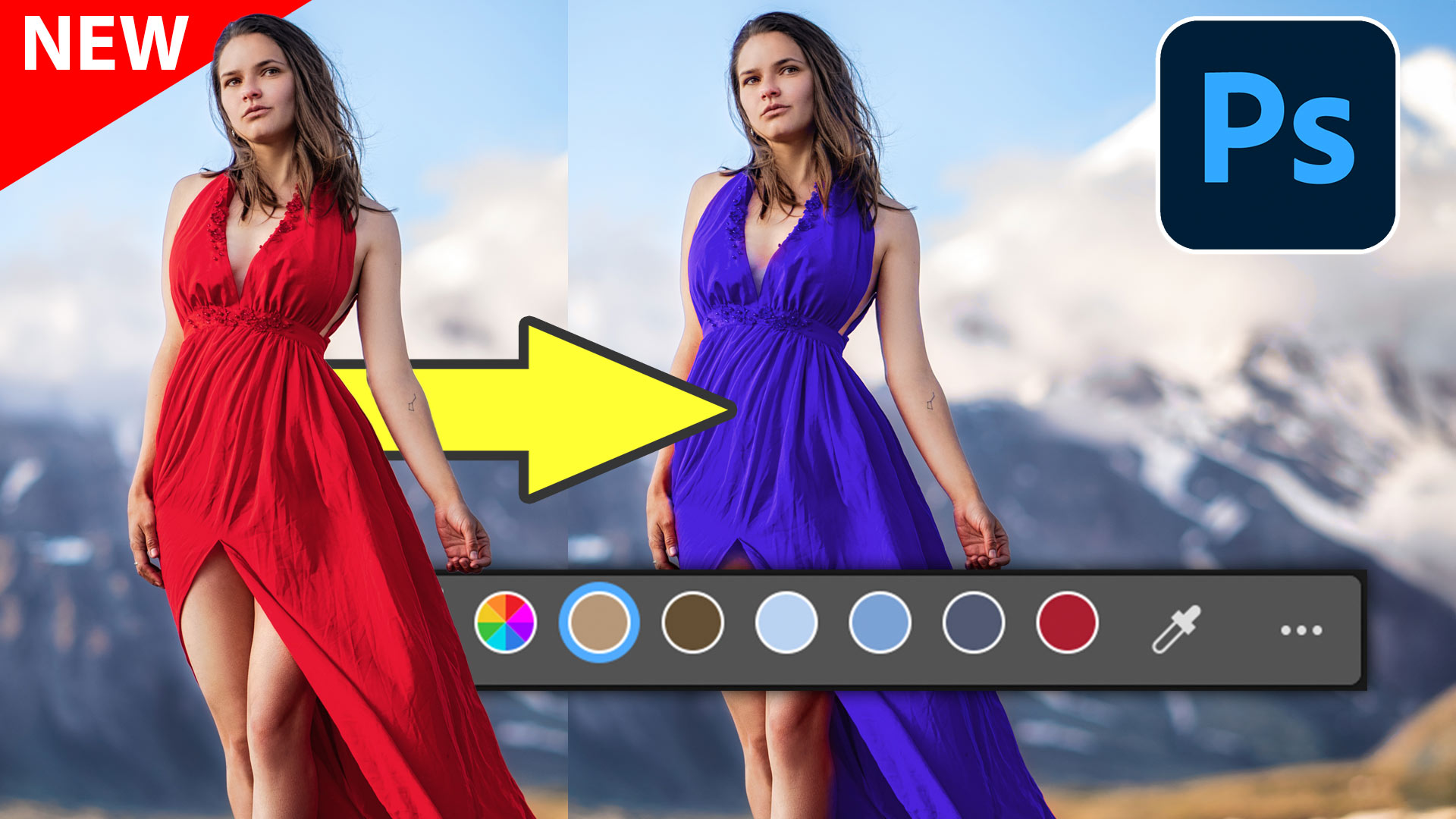
New Adjust Color in Photoshop makes it easy to change colors and to make certain colors pop in a photo

The ultimate Color replacement in Photoshop tutorial. 6 Ways to change colors in Photoshop.
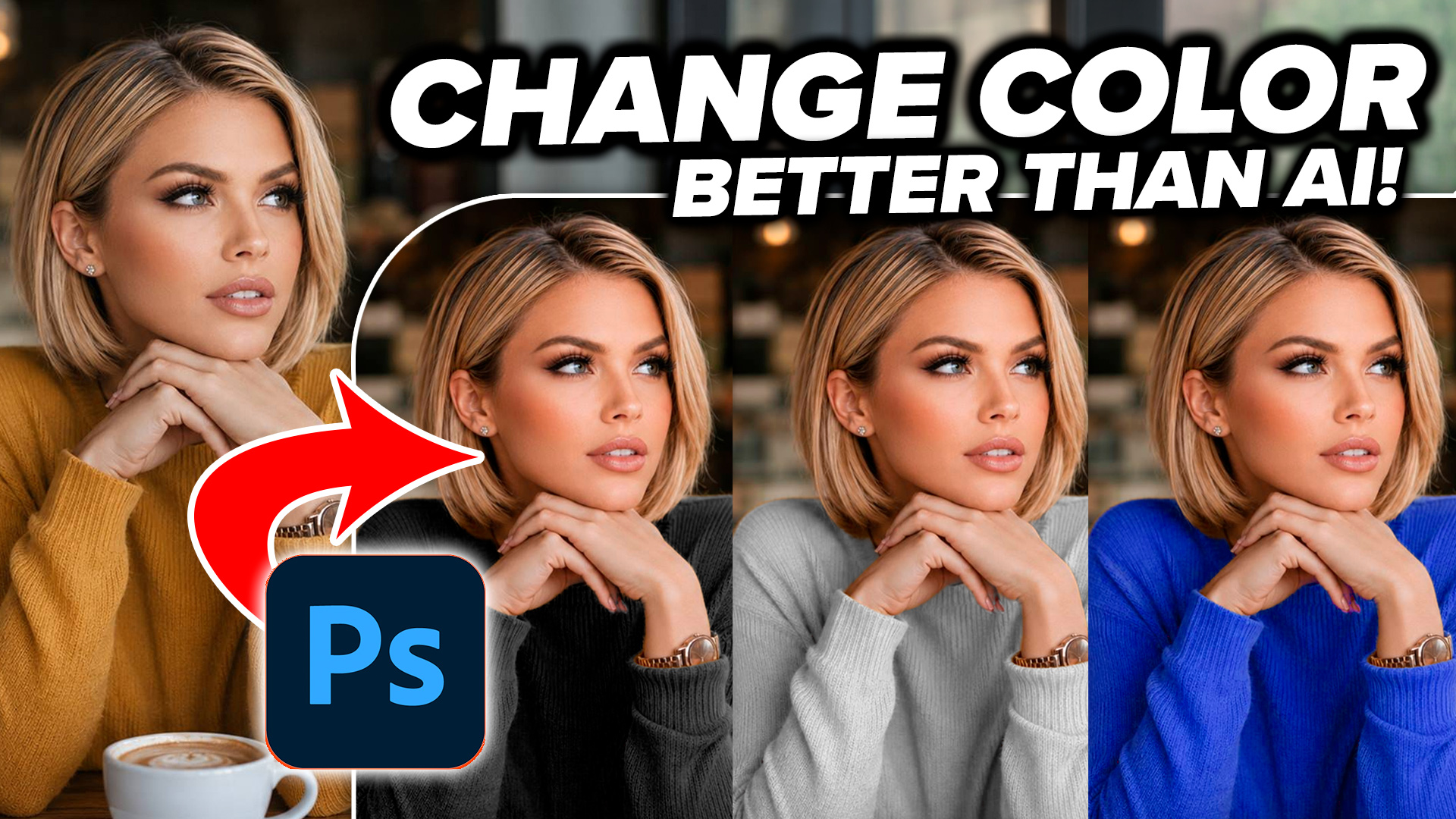
Changing colors in Photoshop is easy until similar colors appear in the rest of the image. Learn three levels of color changing, from quick adjustments to precise masking, and see how the results compare to AI.
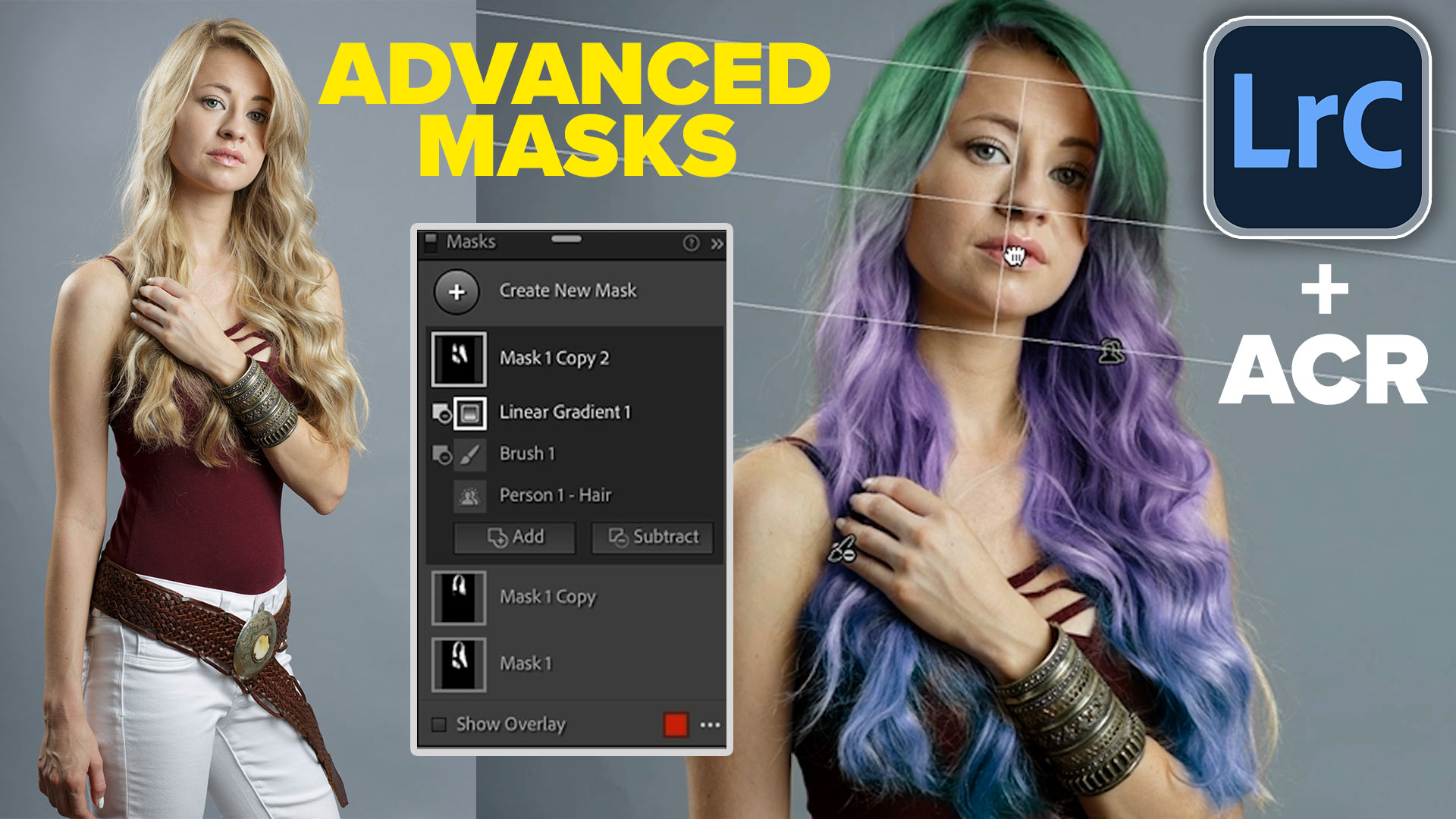
How to change hair color in Lightroom using AI masks. Create Ombre and mermaid hair color on pictures.

How to change the color of anything in your photo, even to black or white
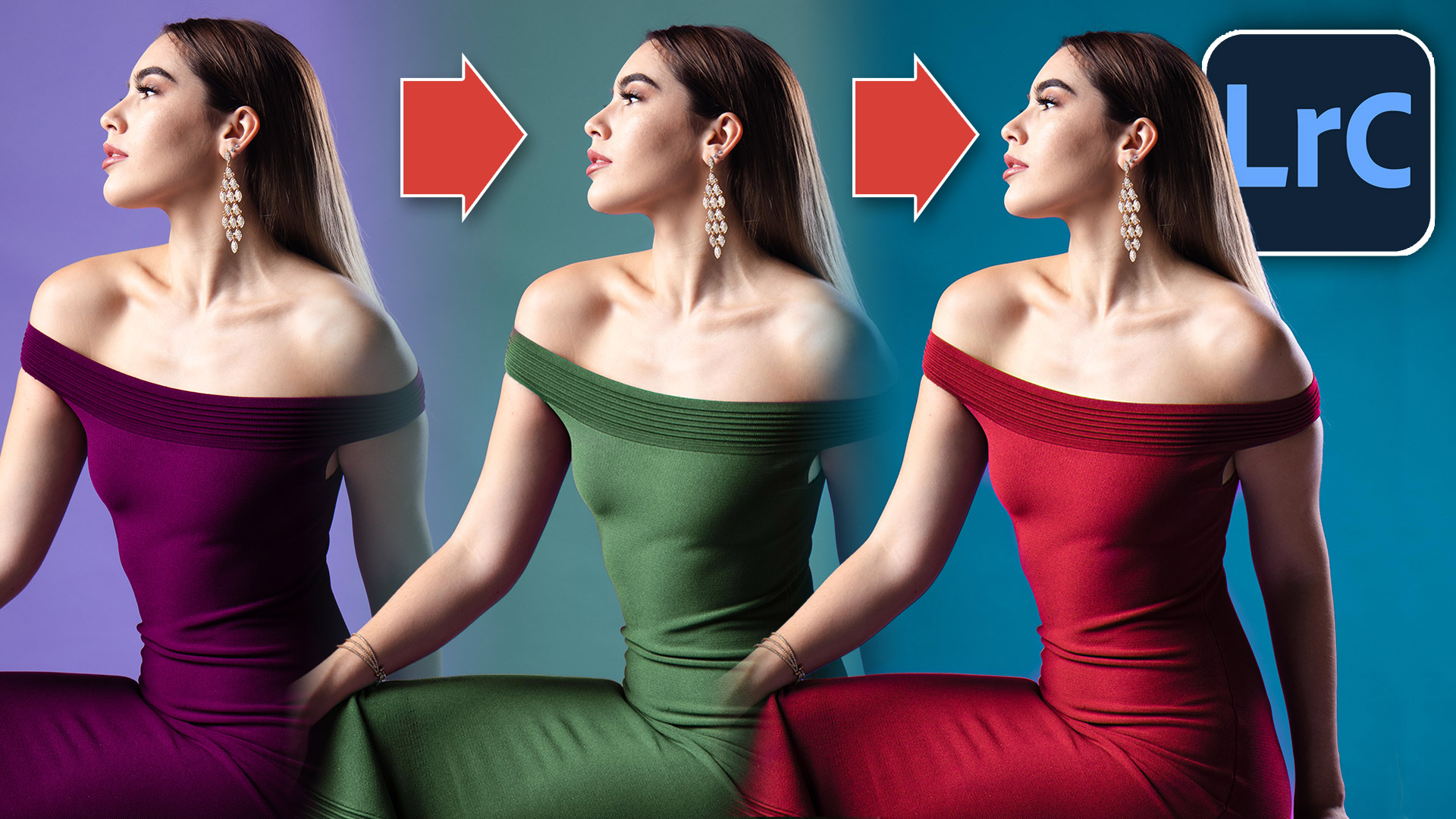
How to change the colors of an object in Lightroom Classic in a very realistic way.

How to turn white into a color in Photoshop. In this photoshop tutorial, Colin Smith shows how to add color to white, even black or convert black to color.
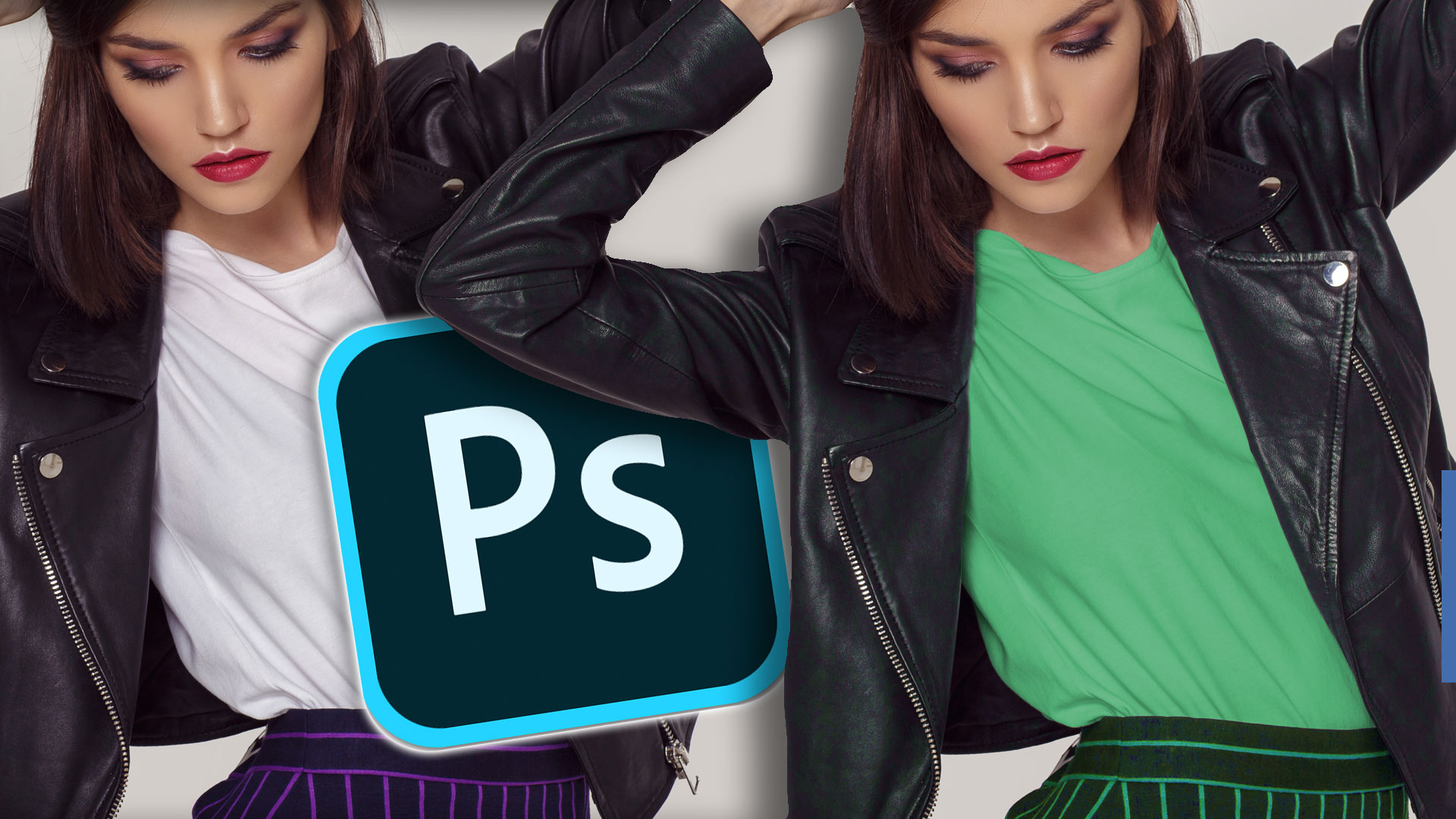
How to change the color of anything in Photoshop instantly, including white or black.
This weeks live from lockdown: How to change the color of anything in photoshop. how to do focus stacking and the amazing face aware liquify. Submit your photo for Fix my Photo here (Upload raw file of full size jpg, and put your name as the file name) WHAT IS LIVE FROM LOCKDOWN? Each week […]
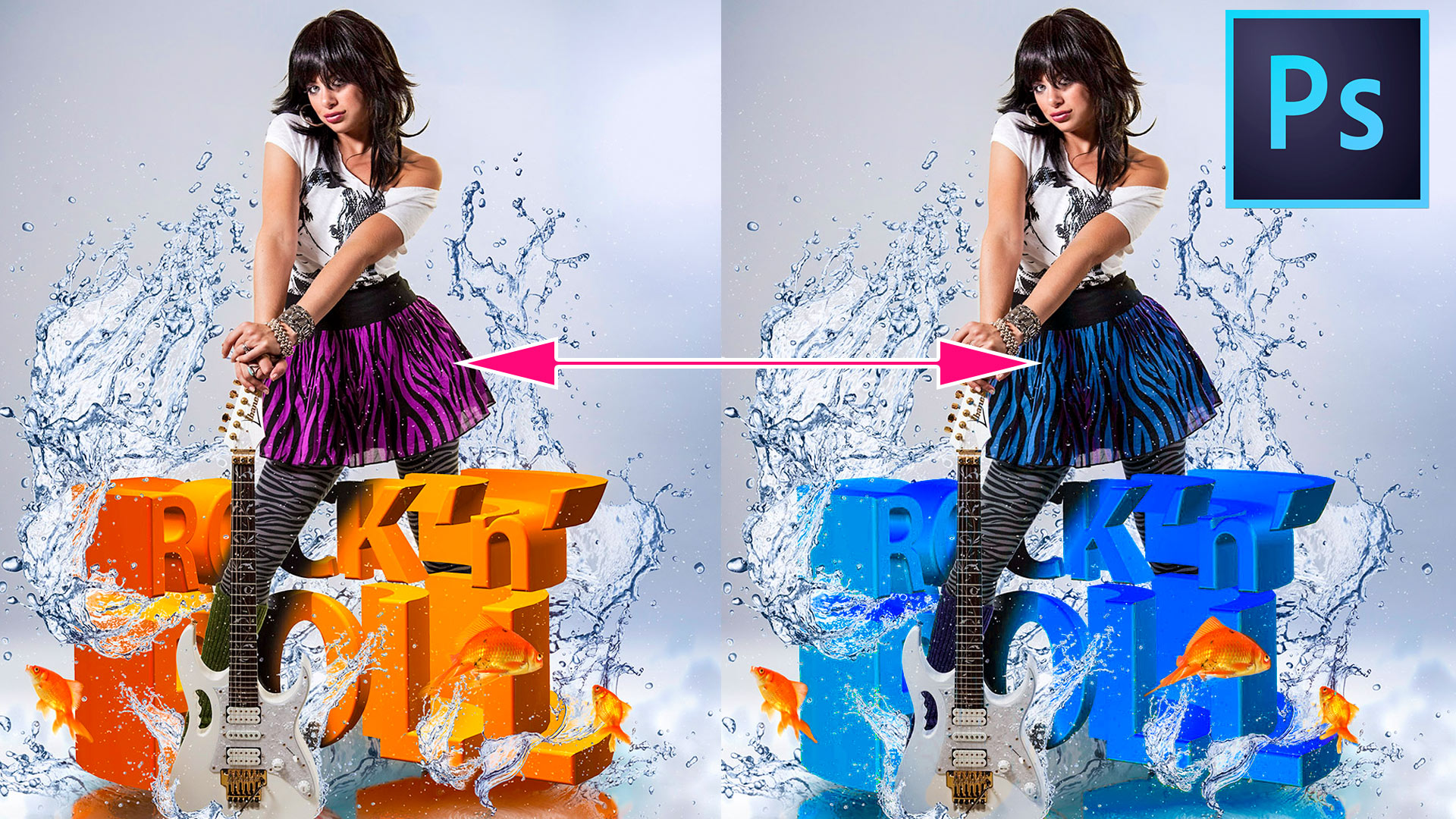
In this Photoshop tutorial, Colin Smith shows how to instantly and easily change the color of something in a photo using Photoshop. You can instantly change colors on very complex shapes without any selections using this neat trick
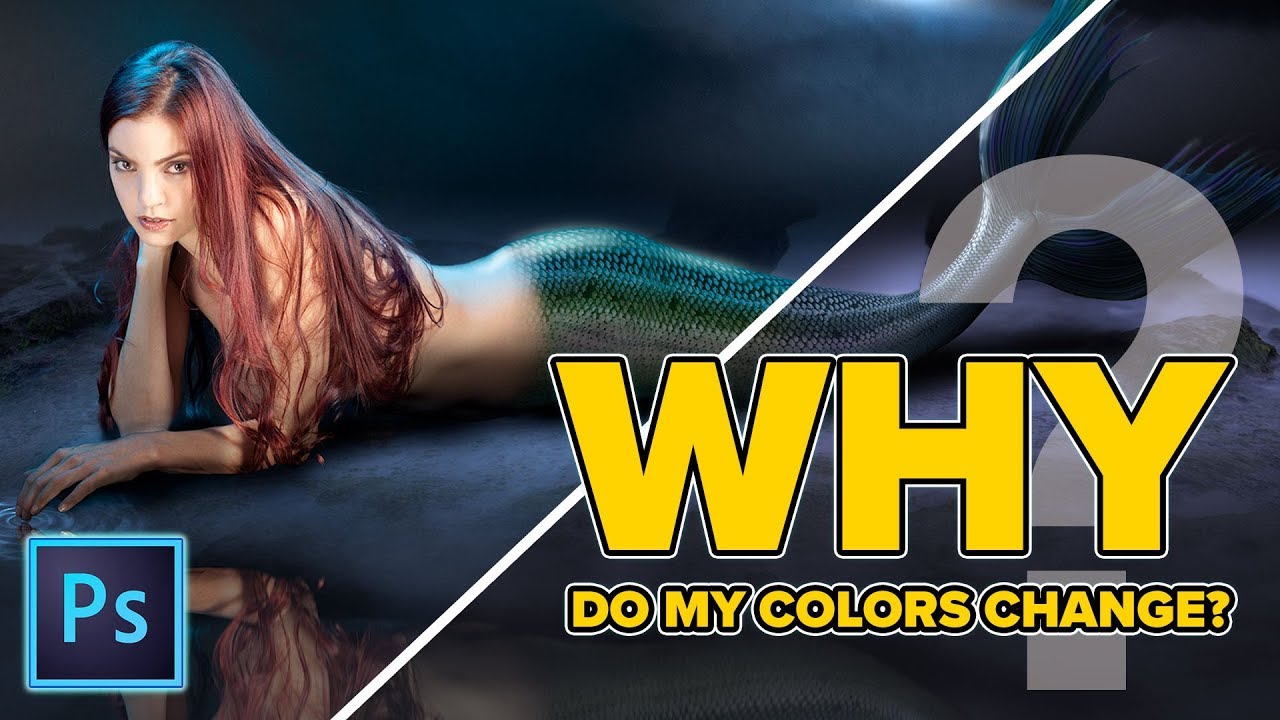
When Photoshop changes your colors, Color Spaces explained

You are going to love how easy it is to change the color of anything in Photoshop. Check out how to change the color of 2 tasks, The first one is very easy, the second is more difficult. Either way, this technique works so fast and you don’t need to make selections. I have approached […]
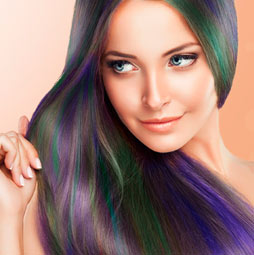
How to change hair color in Photoshop. This easy tutorial shows you how t change hair color to blond, black, brow and even multi colored streaks. Very realistic results. Try Photoshop before coloring you hair to see how it looks or just for fun.
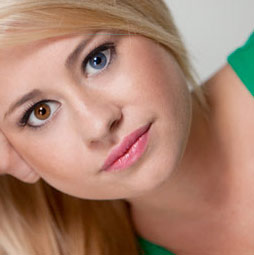
Here is a very realistic way of chaging the color of anyones eyes in Photoshop using curves. Colin Smith shows you his process for changing the eyes to blue, green, brown or even vampire eyes. So real, noone will know.
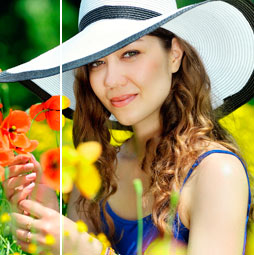
This Photoshop tutorial shows you how to easily change the color of anything in a photo without the need to create selections. This tutorial is one of those things that you wonder how you ever got along without before you knew this.
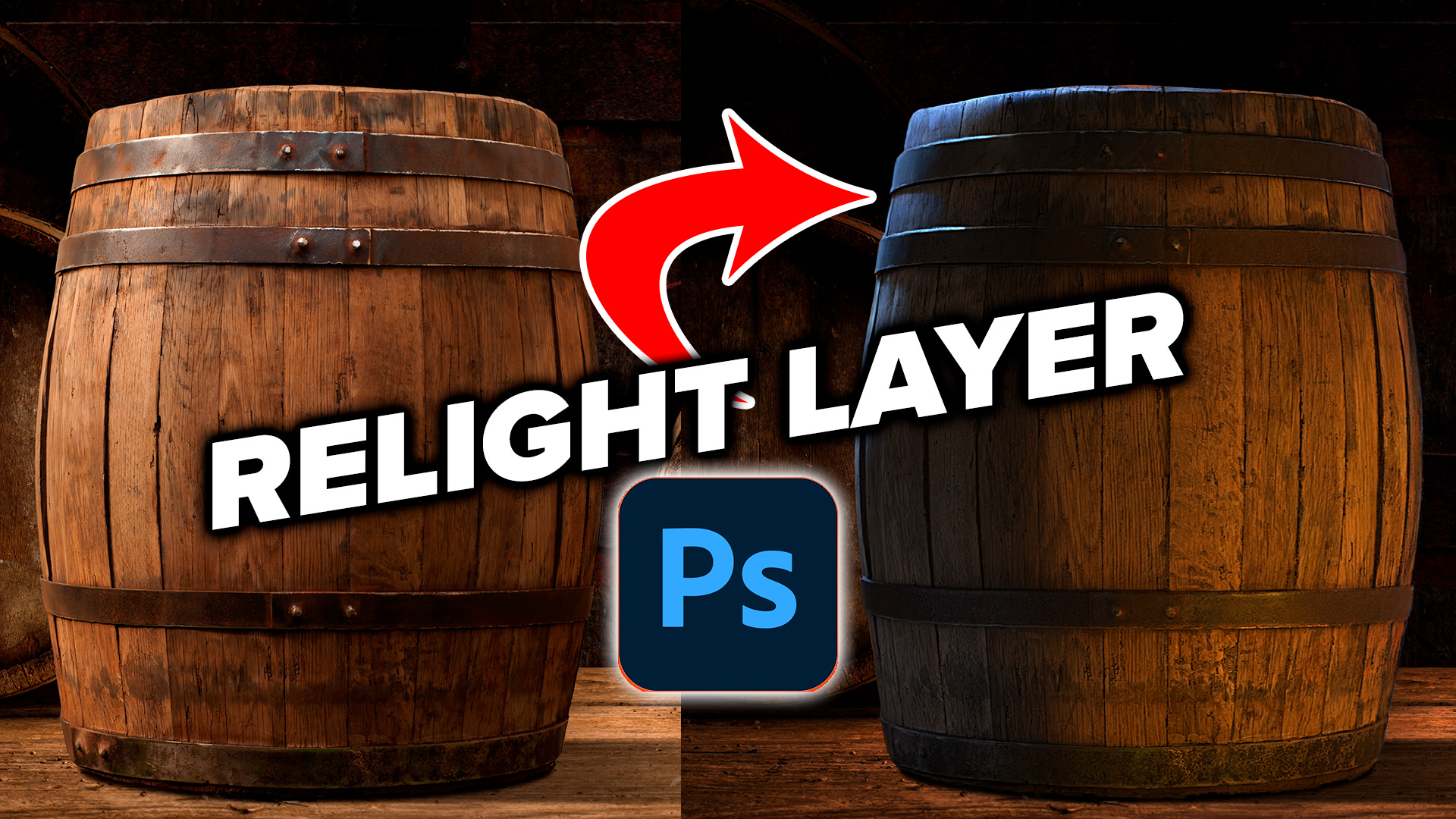
Learn how to use Relight Layer in Photoshop to change light direction, color and intensity, add multiple lights and match lighting in photo composites
How to use a LUT in Lightroom and Adobe Camera RAW
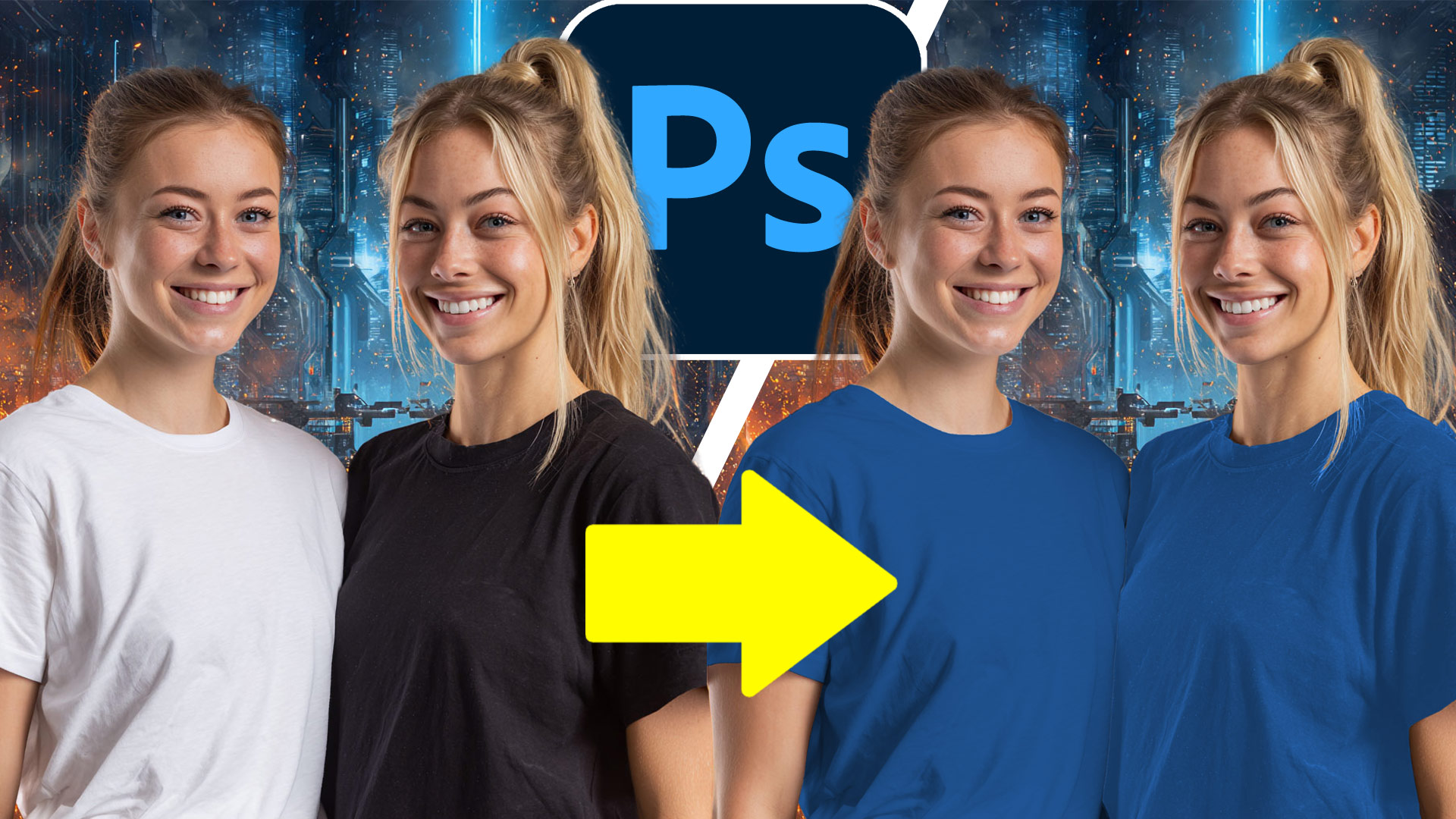
How to colorize white or black. Quick steps to change white or black areas into color with ease.