
This is a basic Photoshop tutorial on color tinting. For a more up to date and in depth look, check out the color grading in Lightroom and Photoshop 2024 tutorial
Start with your image in RGB mode
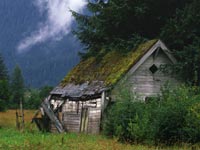


Open the Hue/Saturation box Ctrl/Cmd+U
Click the colorize box.
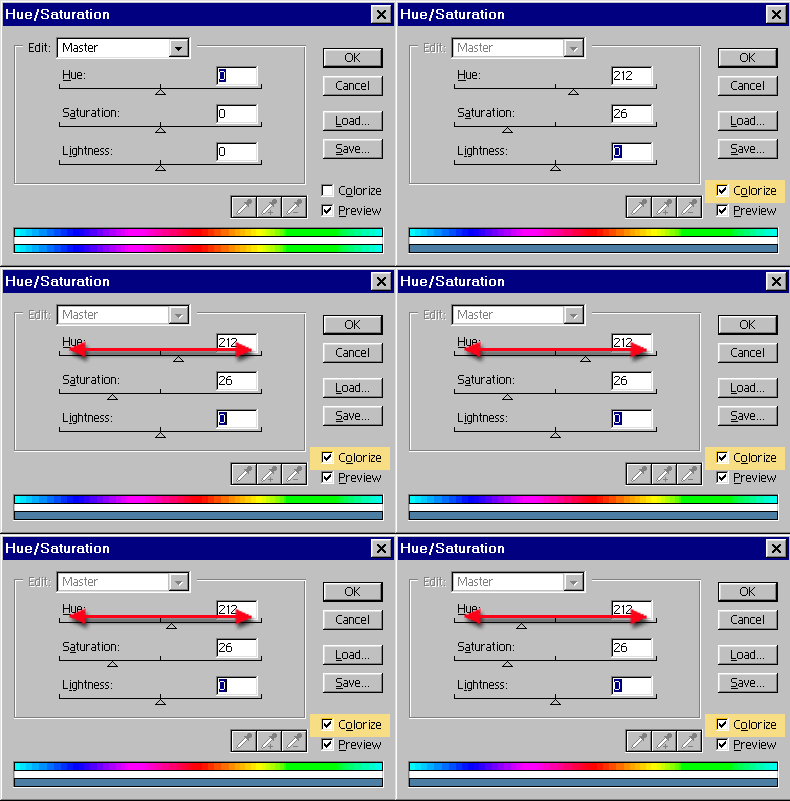
Slide the hue slider to change the color hue. That simple!
You can adjust the Saturation if you want. To the left, less color, to the right more. Too easy!
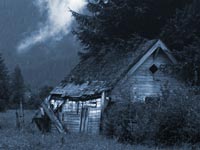
The result!
Access valuable Photoshop extras and goodies for free and much more a

This site uses Akismet to reduce spam. Learn how your comment data is processed.

How to copy the color grade from a movie and instantly apply it to your photos in Photoshop ...

Complete photo compositing tutorial in Photoshop. Create this sports composite, free step by step instructions, start to finish. Extract and...

How to make a two faced optical illusion effect with a front and a profile photo at the same time....







That was so easy
what mode must you be in to colorize an image?
RGB or CMYK
I have been looking everywhere for tutorials on tinting my image, and so many weren’t what I needed, or were needlessly complicated.. And then I find this and my mind is blown. It’s so easy! THANK YOU!!!